
How to Backup and Restore Messages in Windows Mail
 Information
To Backup your messages, you will use the Export option. To Restore your messages that you have already backed up, you will use the Import option. This will save a copy of your messages to a empty folder outside of Windows Mail that you can use for a backup. Windows Mail email messages have the .eml file extension.
 Note
NoteThe default hidden system folder location where Windows Mail store the messages at is:
C:\users\(user-name)\AppData\Local\Microsoft\Windows Mail\Local Folders
C:\users\(user-name)\AppData\Local\Microsoft\Windows Mail\Local Folders
 Tip
TipTo backup everything (Accounts, Message Rules, and All Settings) in Windows Mail, then see the How to Backup and Reset Windows Mail section here: How to Fix Most Problems with Vista's "Windows Mail"
 Option One
1. Create a New Folder on your desktop to backup your Windows Mail messages into later in step 6 below.
NOTE: This New Folder will need to remain empty.
2. Open Windows Mail.
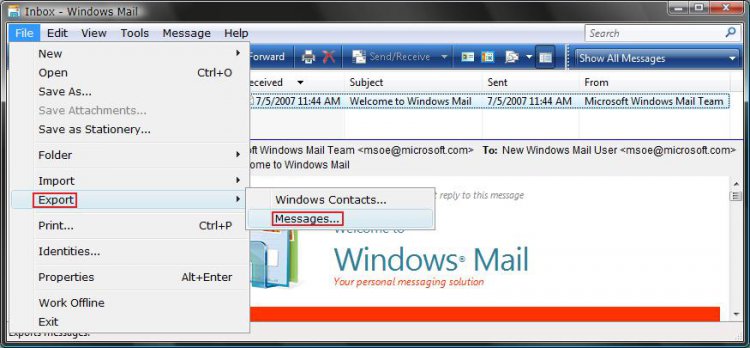
3. Click on File and then Export and Messages. (See screenshot below)
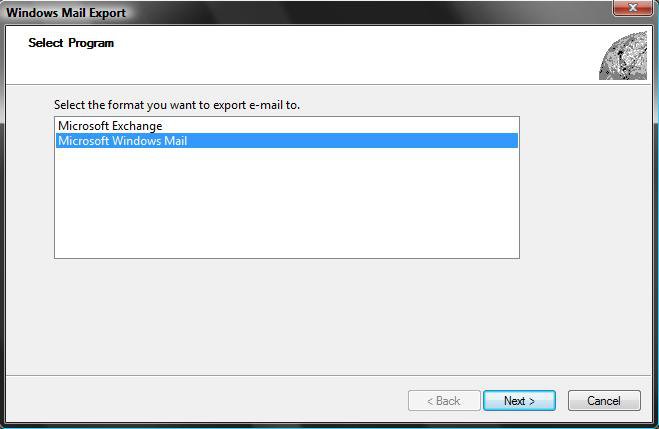
4. Click on Microsoft Windows Mail and click Next. (See screenshot below)
NOTE: If you want to export messages from Windows Mail to Microsoft Outlook or Microsoft Exchange, then click Microsoft Exchange instead. If Outlook is not open, select the profile that you want to receive the messages, and then click Ok. See: Microsoft Help and Support: KB196347
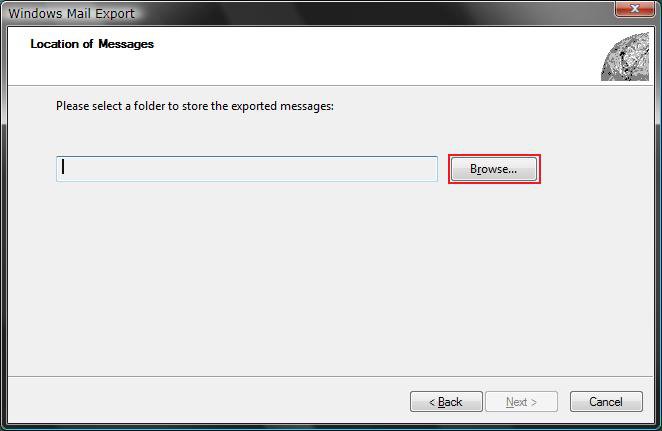
5. Click on Browse. (See screenshot below)
WARNING: You will only be able to Export into a selected empty folder (step 1).
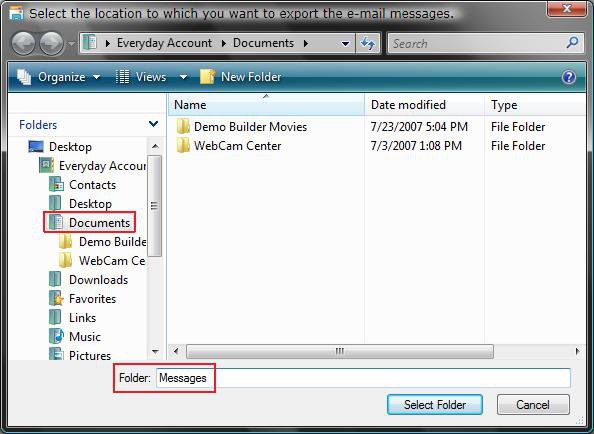
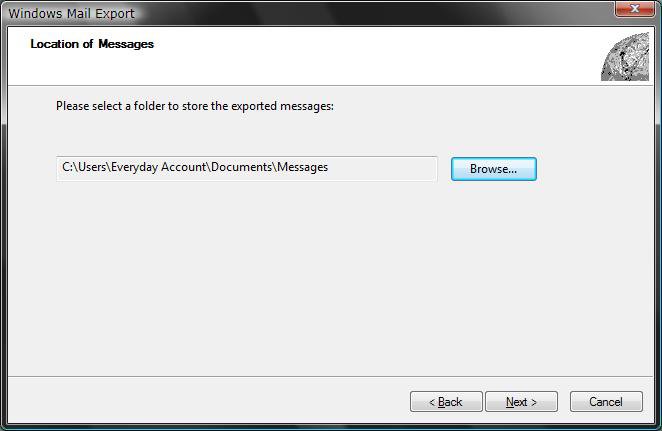
6. Navigate to the location of your empty new folder (step 1) and highlight the new folder, then click on Select Folder. (See screenshots below)
NOTE: For example, go to C:\Users\(user name)\Documents and highlight the Messages folder.
7. Make sure the Export To location is correct and click on Next. (See screenshot below)
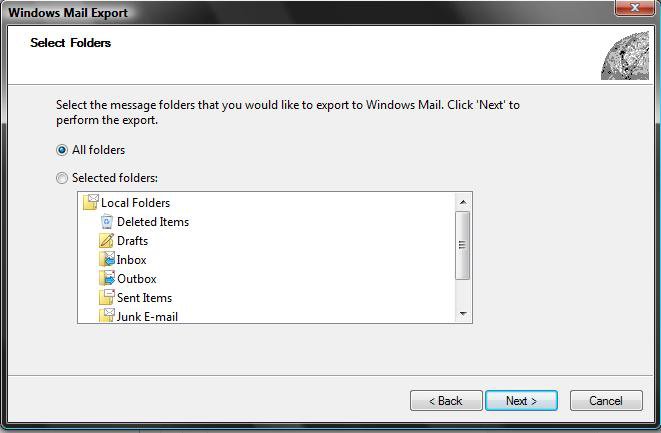
8. Select (dot) All folders and click on Next. (See screenshot below)
NOTE: If you only want to back up a individual folder, then dot Selected folders and click on the folder you want to export.
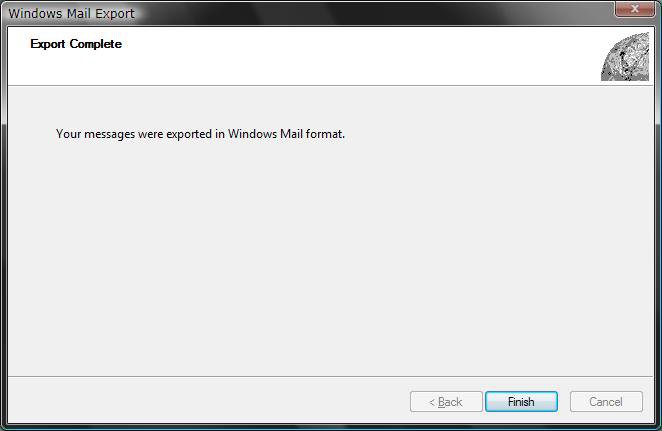
9. Click on Finish. (See screenshot below)
NOTE: Your messages have been Exported to the selected location from step 1 and 6 above. You can save this exported folder to something like a DVD or USB key to backup or use to transfer to another computer. If you cannot copy the exported folder for some reason, then place the exported folder in a ZIP file first and try again.
Option Two 1. Open Windows Mail.
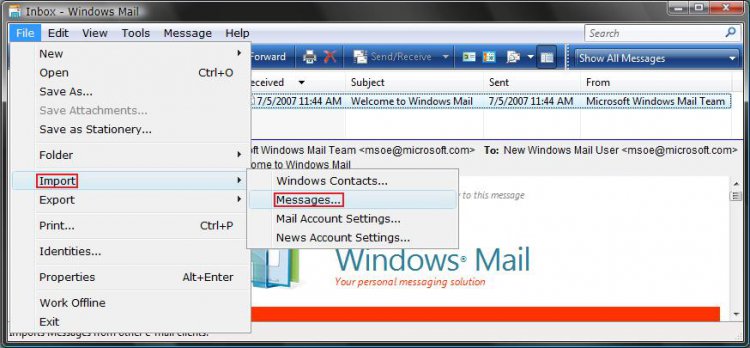
2. Click on File, Import, and Messages. (See screenshot below)
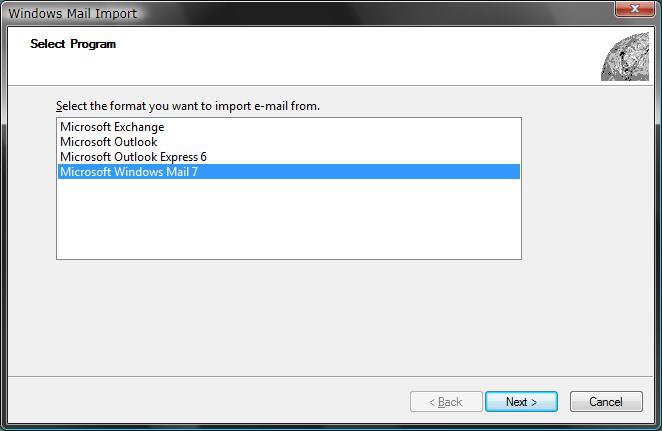
3. Click on Microsoft Windows Mail 7 and click on Next. (See screenshot below)
NOTE: If you are importing from another format, then select the program that the messages are from instead. See: www.oehelp.com/backup.aspx#oe2wm
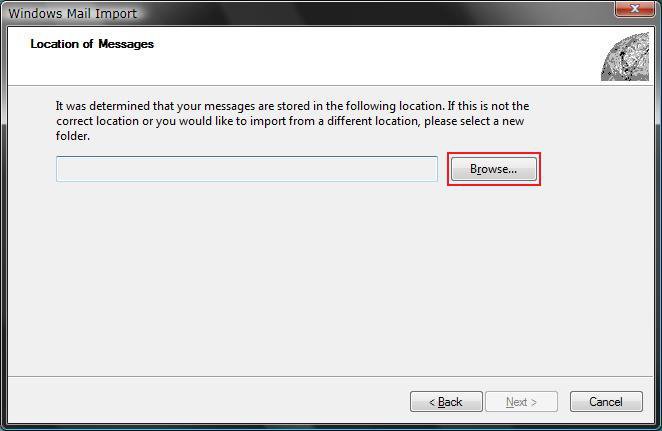
4. Click on Browse. (See screenshot below)
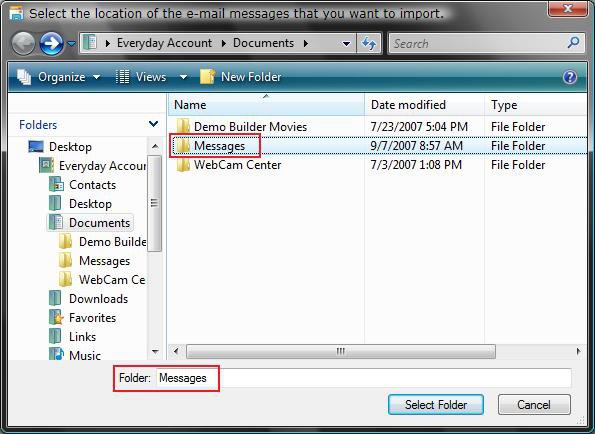
5. Navigate to the location of your backed up exported messages folder and only highlight the exported folder, then click on Select Folder. (See screenshots below)
NOTE: For example, from OPTION ONE go to C:\Users\(user name)\Documents and highlight the Messages folder.
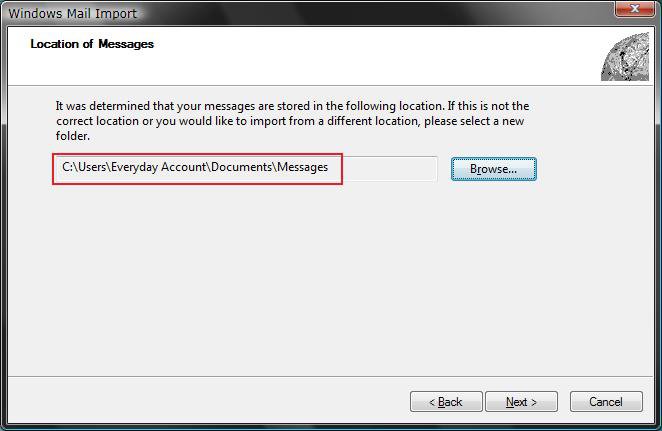
6. Make sure the Import From location is correct and click on Next. (See screenshot below)
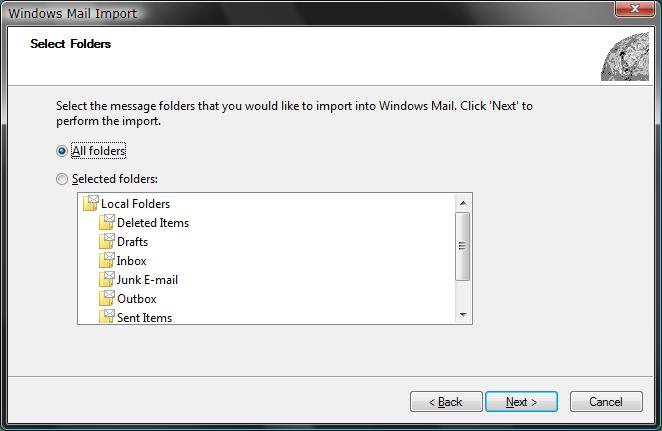
7. Select (dot) All folders and click on Next. (See screenshot below)
NOTE: If you only want to import a individual folder, then dot Selected folders and click on the folder you want to import.
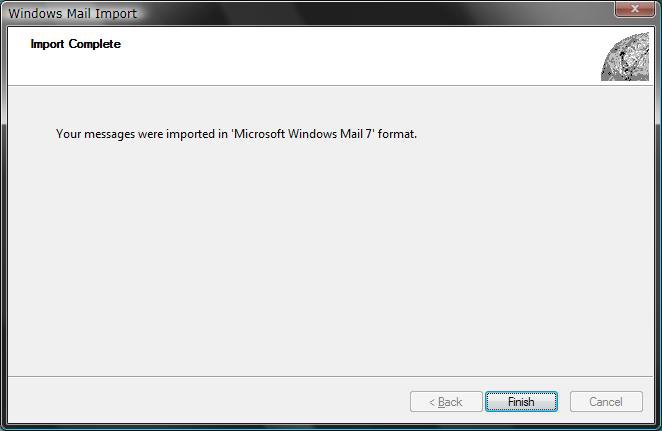
8. Click on Finish. (See screenshot below)
NOTE: Your messages have been Imported from the selected location from step 5 above.
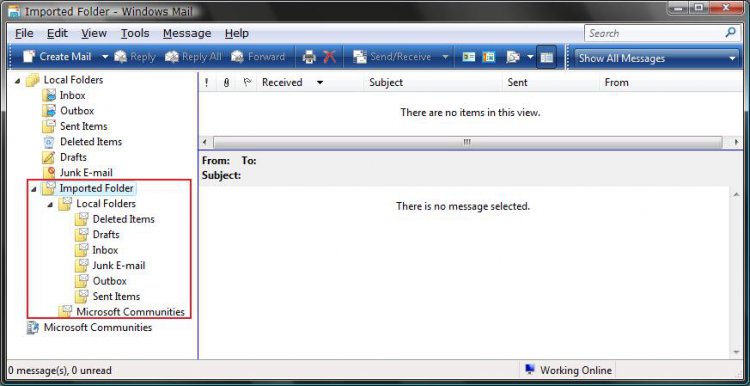
9. Now just move the email messages from the Imported Folders to the mailbox folder you want them in. (See screenshot below)
NOTE: For example, you can Drag and Drop or highlight the email messages and click Move to Folder. The folders can only be moved one at a time.
10. When done, you can delete these Imported Folders.
NOTE: To delete, just right click on the imported folder and click Delete. If the imported folder(s) will not delete, then see the FIRST and SECOND section instructions here:How to Fix Most Problems with Vista's "Windows Mail"
That's it,
Shawn
Related Tutorials
- How to Fix Most Problems with Vista's "Windows Mail"
- How to Backup Files with Optional Automatic Backups in Vista
- How to Restore Backup Files in Vista
- How to Create a Complete Computer Backup and Restore Image in Vista
- How to Restore the Complete Computer from a Complete Backup and Restore Image in Vista
- How to Restore Previous Versions of a File and Folder in Vista
- How to Create a New E-mail Message Shortcut in Vista
- How to Create a New E-mail to a Common Contact Shortcut in Vista
Attachments
Last edited by a moderator:


 Plus, it can slow Windows Mail down.


