![]() |
![]() | ![]() | ![]() | ![]() | ![]() | ![]() | ![]() |
| Welcome to Windows Vista Forums. Our forum is dedicated to helping you find solutions with any problems, errors or issues you are experiencing with Windows Vista. The Vista forum also covers news and updates and has an extensive Windows Vista tutorial section that covers a wide range of tips and tricks. |
| |||||||
![]() |
| |
| | #1 (permalink) |
| vista home premium | sp1 ok first i have made a fresh new instal of vista home premium 32 bit on a acer aspire 7520. I have updated the drivers i needed and the nvidia one. I have made multiples update trough windows update and those needed to instal the service pack 1. When i instal the service pack (in safe mode) everything goes well until the end, it says sp1 instal correctly BUT after that i cant go in control panel, cant open the windows welcome, cant go in personilize ... i just cant do anything. It shows the control panel but there is no icon. I also cant use the windows update feature. If i try to instal the sp2 it says an unknown error occur at the begining. So id like to know if anyone have a solution for this ... or if it is really nessesary to instal those service pack cuz the computer seems to work fine without it for now. thx in advance |
My System Specs![]() |
| | #2 (permalink) |
| vista home premium | Re: sp1 ok ive tried to reinstal the nvidia drivers for the 8400 m and it didint worked. Ive tried the computer in safe mode and everything is working perfectly so i guess its a driver issues or software...what is weird is that everything works fine before i instal the sp1 and after nothing work... |
My System Specs![]() |
| | #3 (permalink) |
| Windows Vista Enterprise x64 SP2 | Re: sp1 Hmm... just made this suggestion for somebody else. In safe mode, enter msconfig and uncheck items you are POSITIVE will not screw up computer. DO NOT uncheck microsoft files. How to use MSCONFIG in Windows Vista: NetSquirrel.com |
My System Specs![]() |
| | #4 (permalink) |
| Vista Ultimate 32bit SP2 | Re: sp1 MS also describe this process in How to troubleshoot a problem by performing a clean boot in Windows Vista or in Windows 7 Good luck! |
My System Specs![]() |
| | #5 (permalink) |
| vista home premium | Re: sp1 well ive just decide too uninstal the sp1 to let windows instal updates that may be the problem here but ill sure give it a try when i try to reinstal it. If it can help after i uninstal the sp1 everything came back to normal. |
My System Specs![]() |
| | #6 (permalink) |
| vista home premium | Re: sp1 sup again... well i have tried both of your tricks and it seems nothing worked. Im really amazed by that lol. Still, everything is working fine in safe mode so we must assume its a driver or somthing like that ... just wondering witch one interfere with sp1 and why the hell sp2 says non specyfied error when i try to instal. |
My System Specs![]() |
| | #7 (permalink) |
| Vista Bussiness x64 PL | Re: sp1 Uninstall 3p firewall,antivirus,antispyware... |
My System Specs![]() |
| | #8 (permalink) |
| vista home premium | Re: sp1 ok now i have waited until vista proposed me to instal sp1.. what i just did and nothing has changed. |
My System Specs![]() |
| | #9 (permalink) |
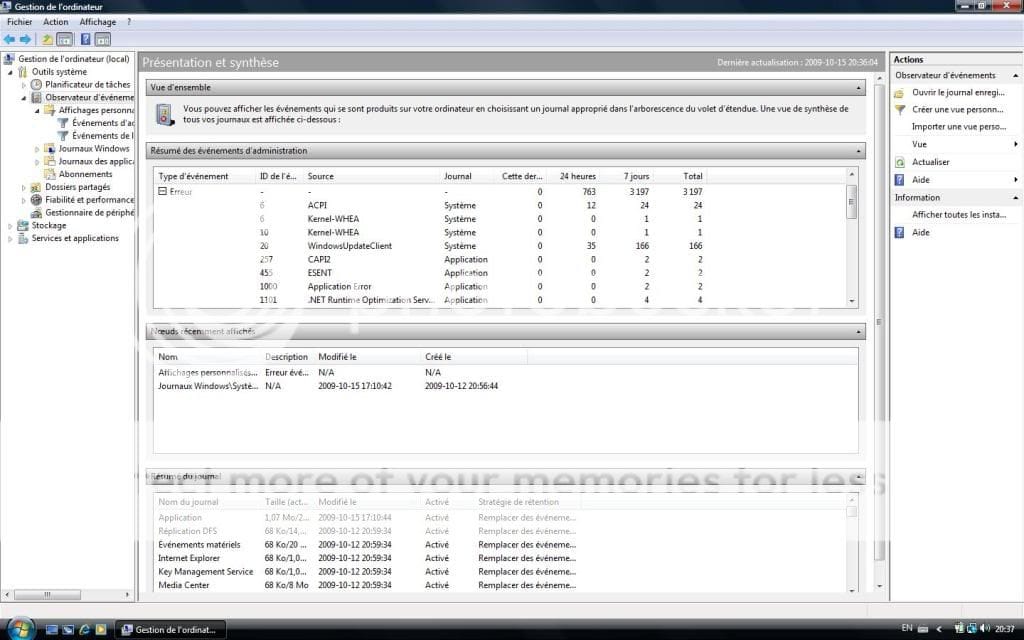
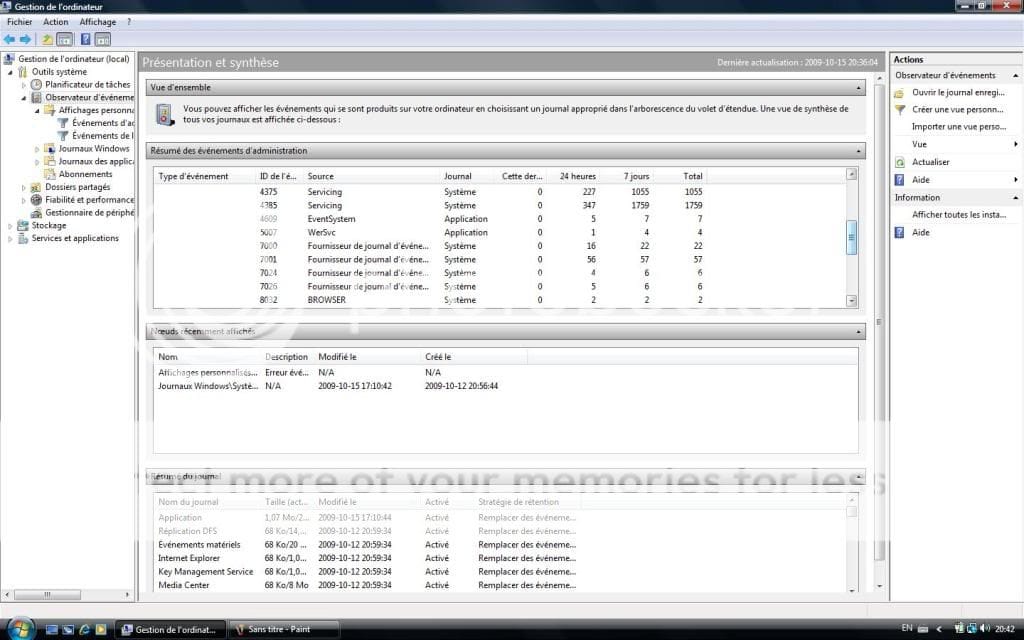
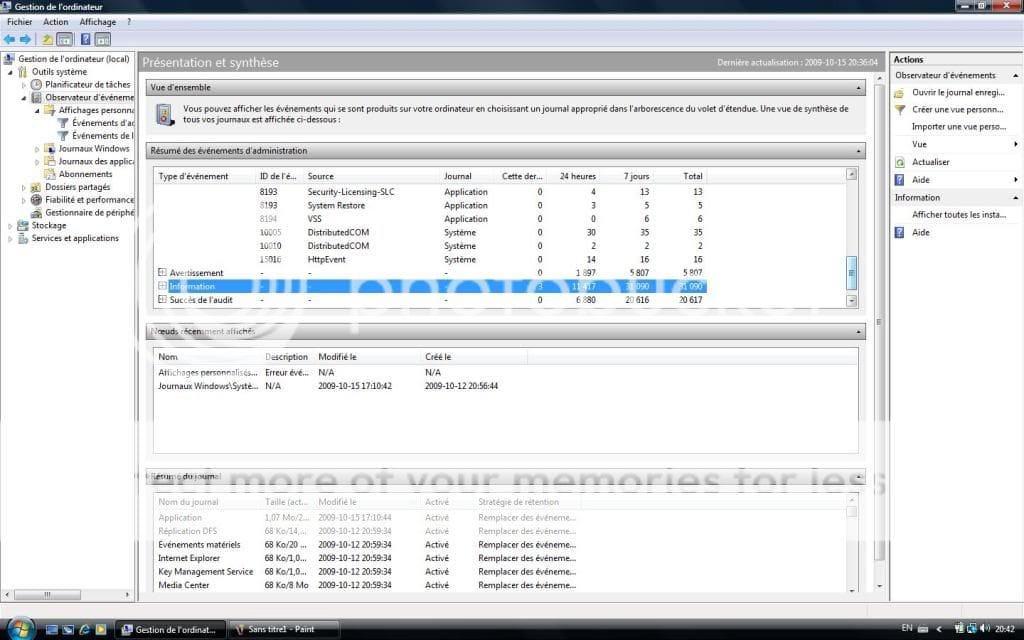
| Vista Ultimate 32bit SP2 | Re: sp1 We can fix this somehow, I am sure. Can you get into Device Manager or Event Viewer to see what errors you find? Two ways: 1) Search for them & 2) Start - right click on Computer and choose Manage. Are you running any other antivirus or firewall than Vista's? |
My System Specs![]() |
| | #10 (permalink) |
| vista home premium | Re: sp1 if im looking at administrative event and than in errors..well there is so much of them lol i don know where to start. ![]() ![]() ![]() not sure if this what you were talking about and yes its in french but im sure youll understand it . |
My System Specs![]() |