
charlieccm
Member
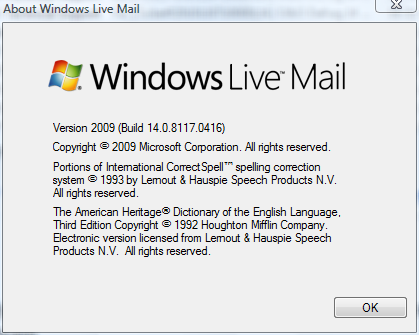
I am using Vista SP2 with Windows Live Mail 2009. Attached is a screenshot of the version I am using.
I recently downloaded its update but I didn't like it as it is heavier on resources while the 2009 version is rather light and opens faster.
How do I save this 2009 version for future use or on another computer? Will it work on Windows 7 if I choose to upgrade the OS?
Charlie
I recently downloaded its update but I didn't like it as it is heavier on resources while the 2009 version is rather light and opens faster.
How do I save this 2009 version for future use or on another computer? Will it work on Windows 7 if I choose to upgrade the OS?
Charlie
