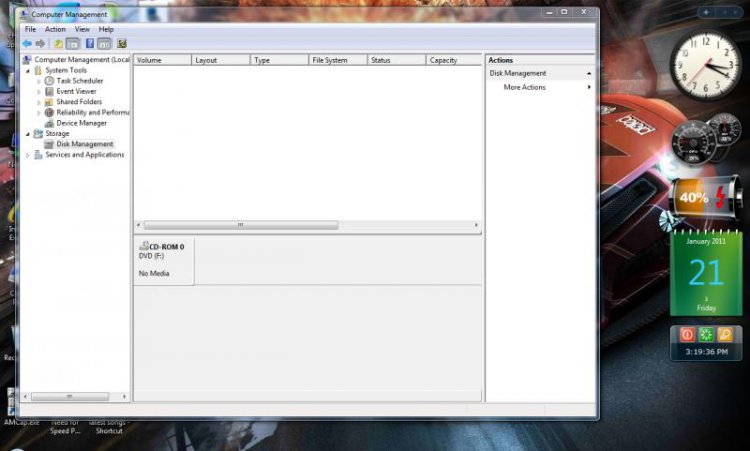
my hard drives are working properly but they are not displayed in the disk management.
so what can i do for it?
and my computer icon on the destop was deleted by mistake so from where i can get back my computer icon also i deleted the icon from the recycle bin..
so what can i do for it?
and my computer icon on the destop was deleted by mistake so from where i can get back my computer icon also i deleted the icon from the recycle bin..
My Computer
System One
-
- Manufacturer/Model
- HCL
- CPU
- Intel(R) Pentium(R) Dual CPU T2330 @ 1.60GHz
- Memory
- 2GB RAM
- Screen Resolution
- 1280 x 800
- Hard Drives
- 160 GB sata
- Keyboard
- BIOS=101/102 key Keyboard=AT-MF2 : 8