![]() |
![]() | ![]() | ![]() | ![]() | ![]() | ![]() | ![]() |
| Welcome to Windows Vista Forums. Our forum is dedicated to helping you find solutions with any problems, errors or issues you are experiencing with Windows Vista. The Vista forum also covers news and updates and has an extensive Windows Vista tutorial section that covers a wide range of tips and tricks. |
| |||||||
![]() |
| |
| | #1 (permalink) |
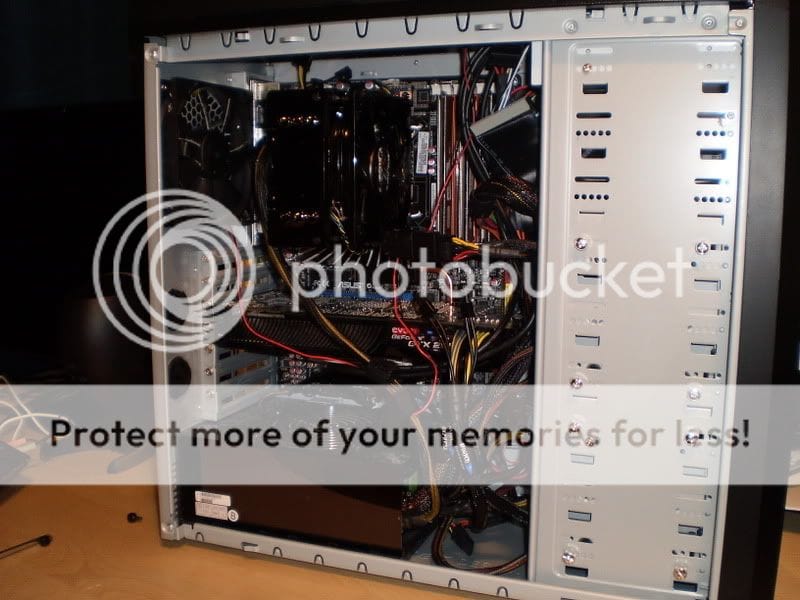
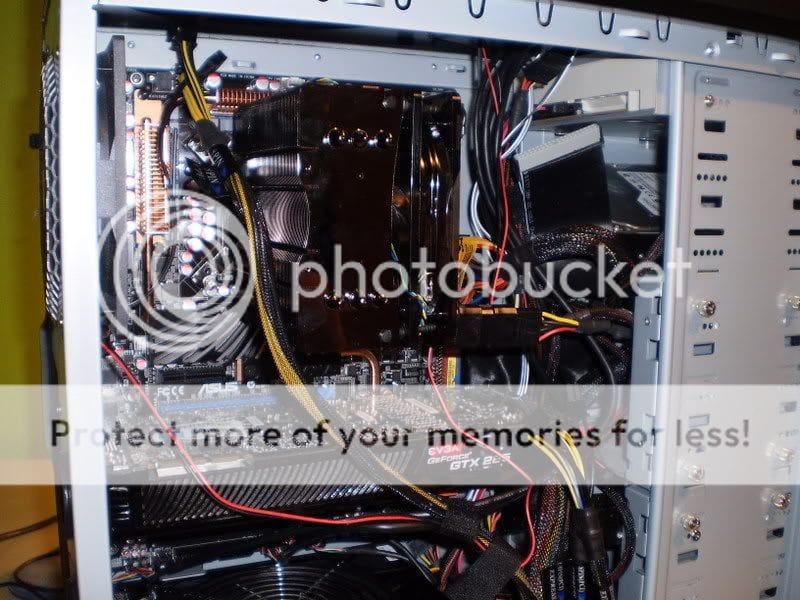
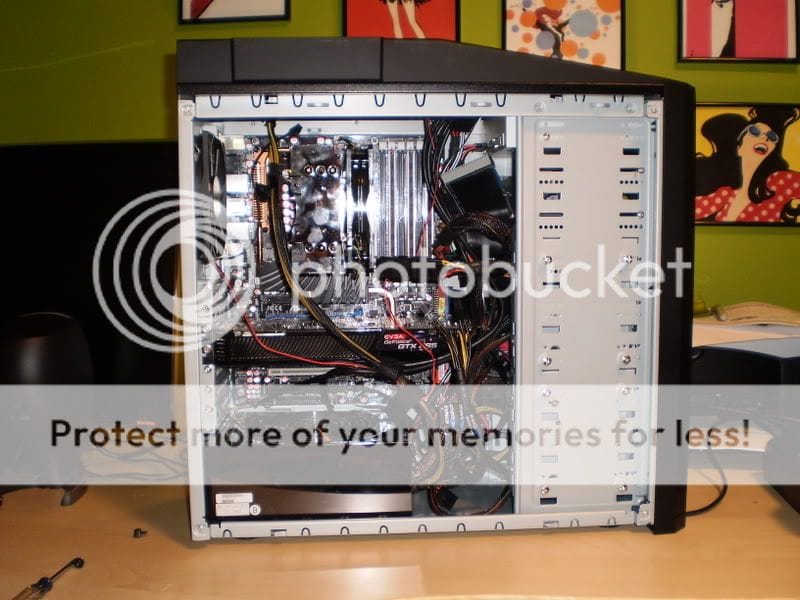
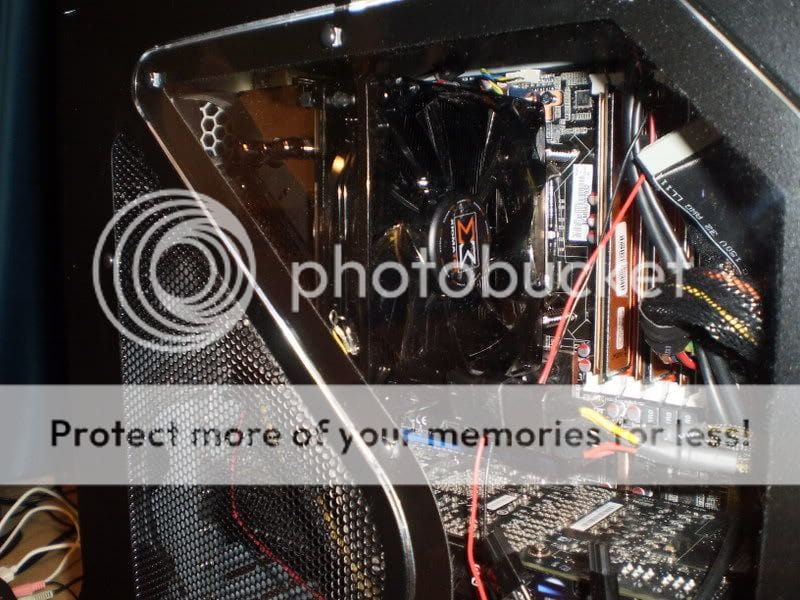
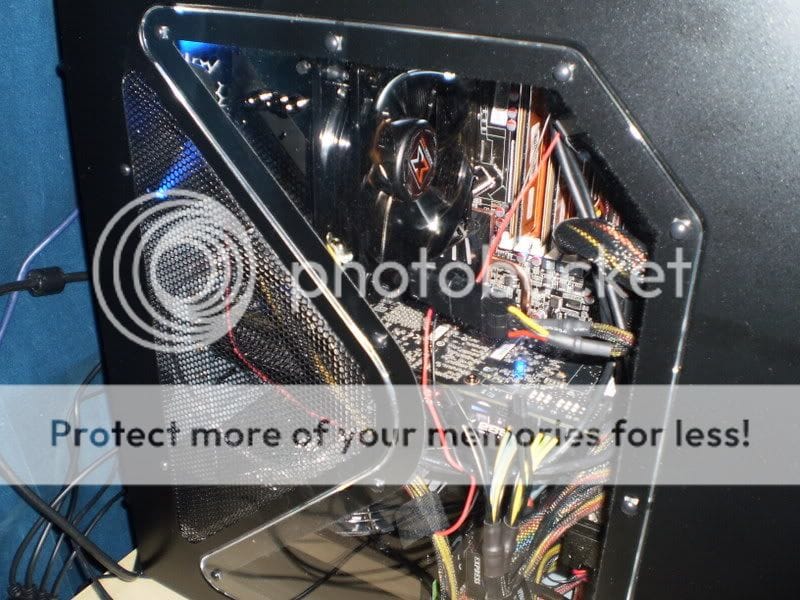
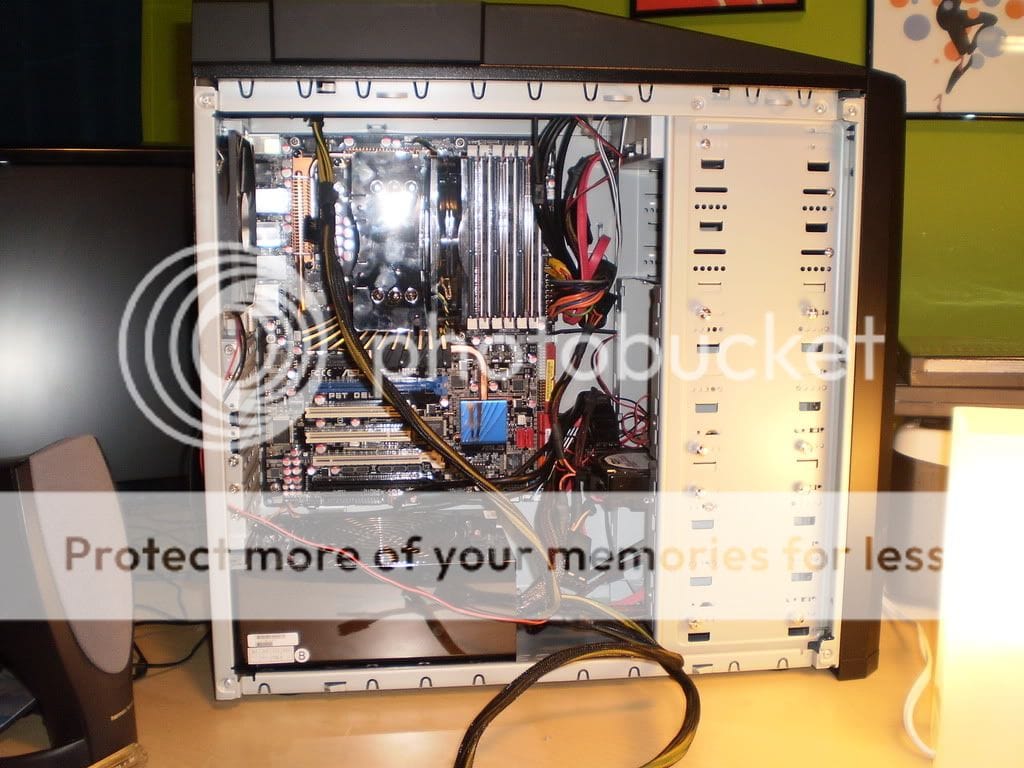
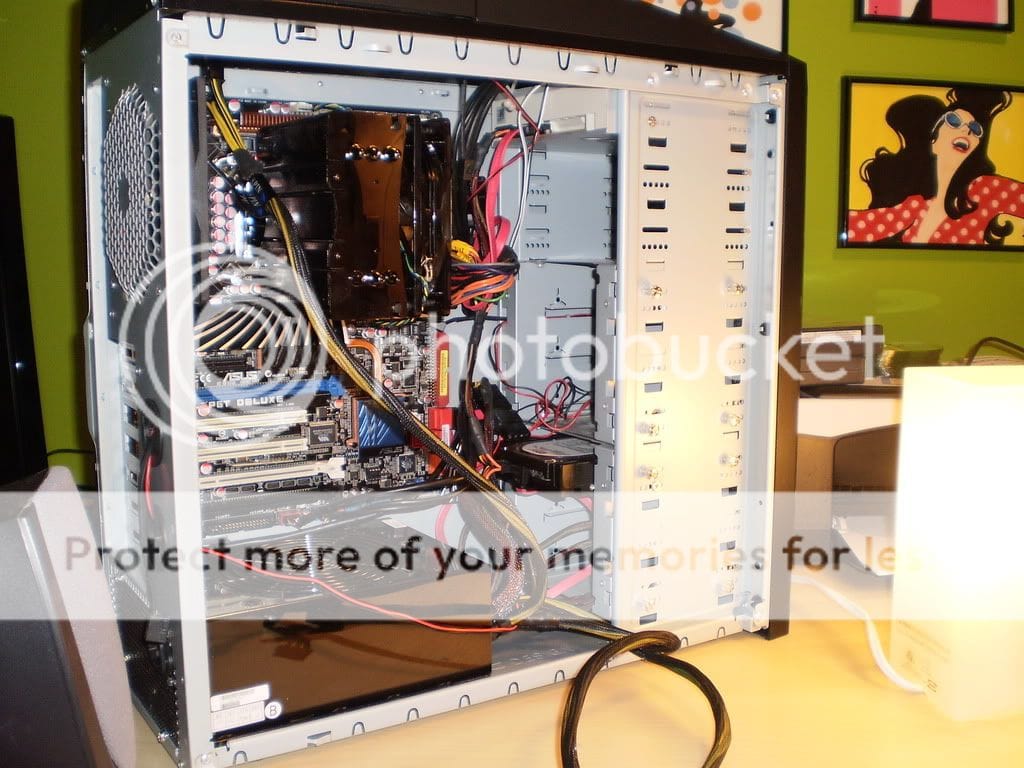
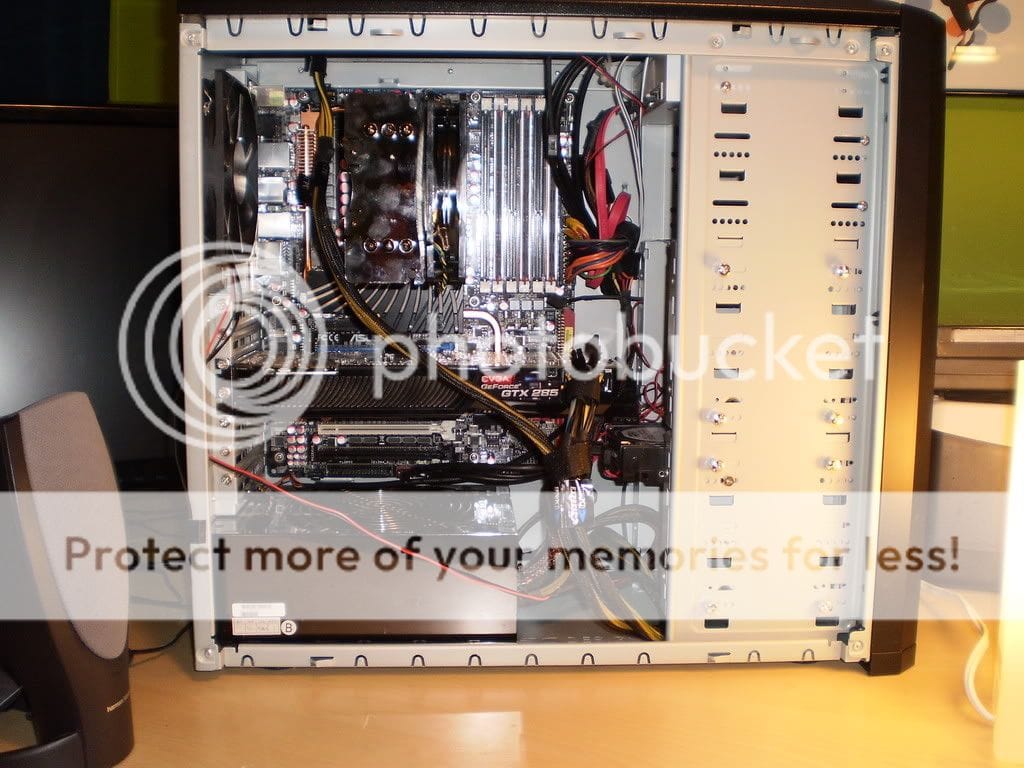
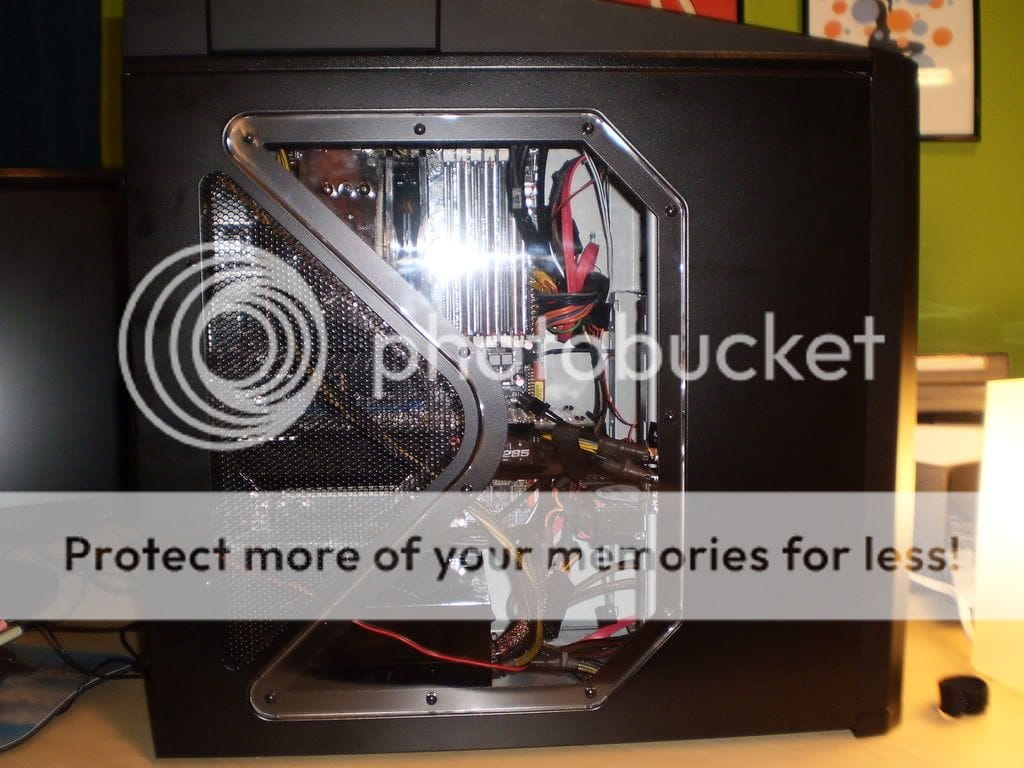
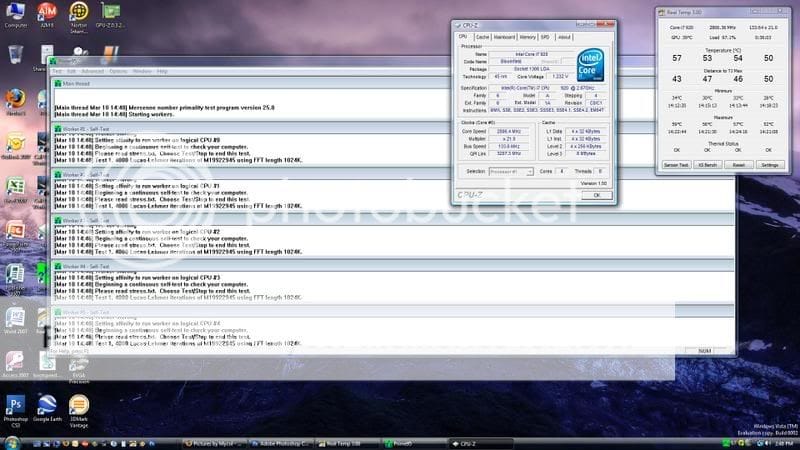
| Windows Vista 64bit | Just installed a Xigmatek Dark Knight LGA1366 :-) so i had a different cooler before, and it went bad, so I switched back to stock... now i ordered a different cooler, and got the Xigmatek Dark Knight LGA1366 cooler. And i must say, this thing is NICE for $40. It cools better then my previous cooler (Coolermaster V8) surprisingly... but since it went bad, it may not have been doing its full potential. Regardless I went with something a lil different... this thing is HUGE though. The craftsmanship is also very nice. The thermal grease that comes with it seems to also be high quality. It looks great...best looking aftermarket cooler ive ever seen!!! The black nickle coating really stands out, and looks wonderful!First shot is after 15+ minutes of prime95, and as you can see, hottest it got was 59celsius... but was holding steady at 57celsius... stock cooler was in the 70+ celsius range (Stock clocks, this is also on stock clock speed as well) Coolermaster V8 did rather poor, and was in the mid 60's under load. I am very happy ![]() BTW, this is a core i7 920 setup/X-58 ASUS P6T Deluxe MB. I am about to take it up to 3.6ghz and see how she does. :-) Here is the screenshot, and pics on first bootup ![]() ![]() ![]() ![]() ![]() ![]() ![]() ![]() ![]() ![]() |
My System Specs![]() |
| | #2 (permalink) |
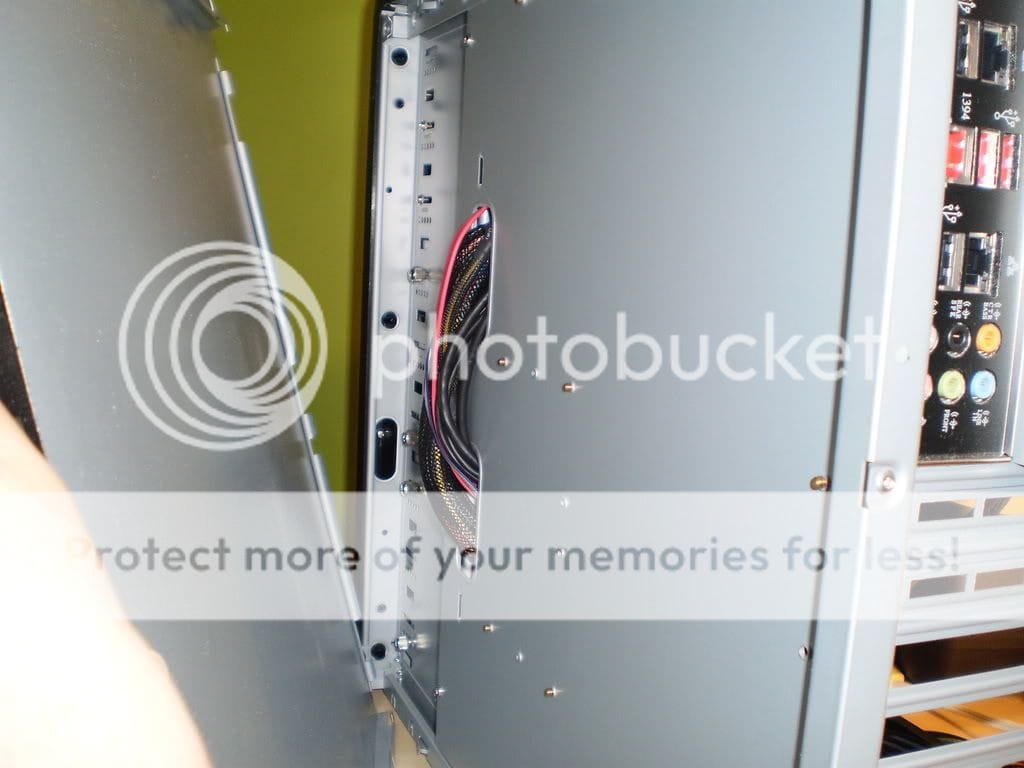
| Vista Ultimate x64 | Re: Just installed a Xigmatek Dark Knight LGA1366 :-) Looks pretty good, that is a nice system you have there sir. I do have a concern, all those wires. they are actually probably adding a solid 4-5c to your temps. because they are killing your airflow. the Antec 900 is a decent case with some great airflow. all those fans in there. and mainly the two 120mm front fans, and the top 200mm fan. but ALL those wires bundled in the front upper middle area is stopping almost all the airflow from front to back. I'm pretty sure you'd see temp decreases with some cable management. I'm not sure how long you've had the Antec 900, but if you've bought it in the last 6 months. they came out with a revision where they cut some holes in the motherboard tray for cable management. What I've learned helps the most. is to try and seperate all the wires. I actually took them through to the backside of the mobo tray. and I have them going from bottom to top on the back side. and don't overlap any or the sidepanel will not fit back on. but you should be able to hide most of those. and is that a HD sitting sideways I see in one of those pictures.?? see something like this will help airflow and temps. I have more wires than you.. all hidden. most are behind the motherboard tray between it and the sidepanel. ![]() I also have a picture before water-cooling, in my old case that is comparable to the antec 900.. it's a bad picture. but this is how my back panel looked. and the side actually still fits on when you do this. ![]() good luck. this would help ur temps. (But don't bundle the main PSU wires like the 24 pin, 8 pin and PCI-E 6 pins all together like I did. as that part I had to redo to get the panel to go on.. so don't do that) |
My System Specs![]() |
| | #3 (permalink) |
| Windows Vista 64bit | Re: Just installed a Xigmatek Dark Knight LGA1366 :-) yes lol it is a HDD from my old PC. i just slapped it in there to try and get it to spin up, but having some issues with it. GOing to shut down now and try to wed the wires through the motherboard tray post back up when i am done! |
My System Specs![]() |
| | #4 (permalink) |
| Vista Ultimate x64 | Re: Just installed a Xigmatek Dark Knight LGA1366 :-) good luck sir |
My System Specs![]() |
| | #5 (permalink) |
| Vista Ultimatex64 Windows 7 build 7100 | Re: Just installed a Xigmatek Dark Knight LGA1366 :-) |
My System Specs![]() |
| | #6 (permalink) |
| Windows Vista 64bit | Re: Just installed a Xigmatek Dark Knight LGA1366 :-) ok, well i gave it a shot...My case has 2 holes, and thats it...i really wish i could do something with the CPU wire, but I cannot. it is not long enough ![]() Def notice a difference in temps... idling at 37c at 3.8ghz OC.... any ideas? ![]() ![]() ![]() ![]() ![]() |
My System Specs![]() |
| | #7 (permalink) |
| Vista Ultimate x64 SP1 | Re: Just installed a Xigmatek Dark Knight LGA1366 :-) Smokkinu, the Coolermaster HyperN520 is just about the same architecture as your heatsink, copper base & all aluminum fins. They supplied dual 120mm fans so it is conserving the cpu & the overall airflow in the chassis Mine was around $55 with taxes.I must admit, 59C is a lot while the N520 on full load, 12 hour span reaches slightly over 40C dude. Are you overclocking the beast? There is always a lot speculation on this particular company for their flashy product line and much less quality (Cosmos S chassis ~ JOKE!) but this cpu cooler is well crafted & I'm surprised. xguntherc, that's the way all wiring's in a chassis should be proposed. You have tools to work out with the chassis but not all of them are like that. |
My System Specs![]() |
| | #8 (permalink) |
| Windows Vista 64bit | Re: Just installed a Xigmatek Dark Knight LGA1366 :-) Smokkinu, the Coolermaster HyperN520 is just about the same architecture as your heatsink, copper base & all aluminum fins. They supplied dual 120mm fans so it is conserving the cpu & the overall airflow in the chassis Mine was around $55 with taxes.I must admit, 59C is a lot while the N520 on full load, 12 hour span reaches slightly over 40C dude. Are you overclocking the beast? There is always a lot speculation on this particular company for their flashy product line and much less quality (Cosmos S chassis ~ JOKE!) but this cpu cooler is well crafted & I'm surprised. xguntherc, that's the way all wiring's in a chassis should be proposed. You have tools to work out with the chassis but not all of them are like that. im a lil confused by your post? I had the coolermaster V8 is the N520 the same thing? anyway, i was not happy with it, looked great but just didnt work...sent it back and saved money with this cooler and getting great performance ![]() right now i am OC'ing my core i7 920 to core i7 965 (3.2ghz) I can go to 3.8ghz but backed it back down... my 3dmark score is almost in the 20k mark.... not bad i must say |
My System Specs![]() |
| | #9 (permalink) |
| Vista Ultimate x64 SP1 | Re: Just installed a Xigmatek Dark Knight LGA1366 :-) Nope, V8 is a larger heatsink and supposely quite the performer. HyperN520 is just like yours but only Coolermaster. My mistake their dual 92mm fans but seemed to my eye as 120mm. EXTREME Overclocking - Cooler Master Hyper N520 CPU Cooler Review - Page: 1 - Tweaking PC Hardware To The Max |
My System Specs![]() |
| | #10 (permalink) |
| ultimate 64 SP1 | Re: Just installed a Xigmatek Dark Knight LGA1366 :-) nice rig SMOKKINU.... ![]() those are great load temps!!!, you cant beat a ''good quality'' aftermarket cooler... as you can see heat dissipation is night & day difference from the stock POS... ![]() SK |
My System Specs![]() |
![]() |
| Thread Tools | |
| |
Similar Threads | ||||
| Thread | Forum | |||
| Jedi knight dark forces 2 on vista x64 | Gaming | |||
| Dark Forces 2 - Jedi Knight | Gaming | |||
| help to copy the Dark Knight and Wall-e DVDs on Vista | Vista General | |||
| I'm having problems with the game Star Wars Jedi Knight Dark Forces II.. | Gaming | |||
| Star Wars - Dark Forces II: Jedi Knight | Gaming | |||