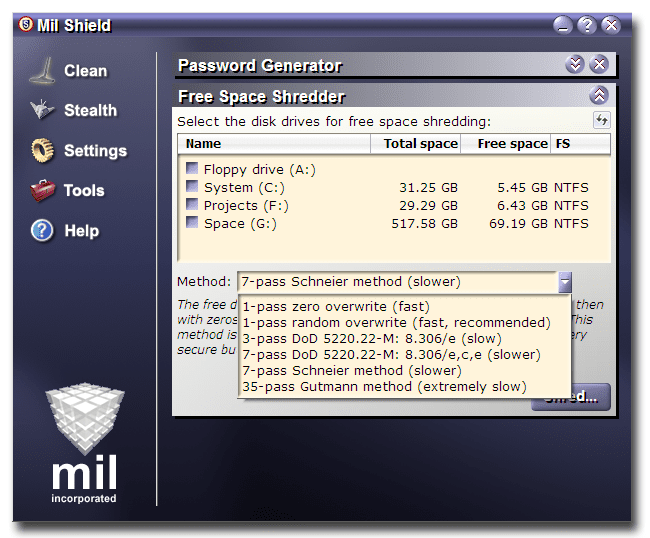
just part of my portable stuff on the C drive
You have an amazing collection - how do you manage to keep up with new versions of all these different programs?
I wonder how this differs from
http://freewareapp.com/remove-empty-directories_download/? They seem very similar. I wonder which is best in this situation?
I know this wasn't directed to me, but I have an approach. I'm always online and don't see the point to downloading anything and clicking Run.
I save (everything) and catalogue it. I have Western Digital (1TB each) external hard drives. The file transfer rate is slow as all get out, BUT for that storage space, I got them each for around $80 new in box!
It's a simple tree structure. Make a Games folder (if you are into "unofficial app's," and want to save your setup files, or saved game files, or whatever,) and a Program Files folder just like your C: drive on your OS.
I think it's a cool idea (initially suggested to me, and I've learned A TON OF STUFF by doing it this way.)
Save your files and programs by manufacturer, then name, then version.
You'll find your breadth of software knowledge gets bigger and better all the time; you'll even start remembering what version of what works best with what. :-)
Anything SysInternals or Microsoft I always tag with MS (then file name.) If anything COULD or even possibly be detected as a false positive with antivirus(malware)(spyware) programs, I use WinRAR to stuff the target file in a compressed archive or a SFX (Self-Extracting Archive.)
That keeps most scanners out.
I hope this comes of benefit to someone, as the download "hoarders," as a friend put it, gotta stay organized.
As to how to stay informed and alert: Visit the big 3rd party vendor sites. 2 good reasons:
1.) FileHippo.com; been around forever, but if you download Adobe Acrobat Reader 8.1.3, for example (XP's favorite version,) it's a full offline installation, not some GetRight download manager. (GetPlus?) Those always end up with issues.
You'll still get your Bloatware check-off boxes, like toolbars, etc.
Also, on their main page they have a nice listing and grouping if you're like me who has to "try" everything once.
2.) Softpedia.com, FileHippo.com, MajorGeeks.com (AWESOME,) GeeksToGo.com (for anti-virus/anti-malware, but ADVANCED tools & effective! all free..., + awesome stuff like Dial-A-Fix.) Pro Site. Giveawayoftheday.com is one to subscribe to; you get a full licensed software product daily; some of it is solid gold crap. Some is AWESOME. I wound up with a 5-product Ashampoo bundle (includign the full Office Suite,) and at one point even got the SobolSoft (google them) Microsoft Office "helper" programs, like combine multiple docs into one, remove hyperlinks from all .PDF files, etc. Amazing. Or, even, extract all your hotmail emails to text and save them outside IE.
FileHippo is very reputable. One last thing: If you google and want to search within that site (or any,) you get better*** results than actually using the target website's in-house search engine. Why? I have no clue.
I've just done it this way for years and see, daily, how it works.
To file Adobe Acrobat Reader in Filehippo.com, you'd type this in google.com's search bar:
site:filehippo.com Adobe 8.1.3
That's it.
Or, if you MUST have a version (or particular thing with other similarly named products,) search by:
site:microsoft.com "Internet Explorer" "7"
That'll get you exactly what you want.
That's my 2 cents, (spent very long-winded-like; but hey, it's information.)



 ...fun fun fun!