![]() |
![]() | ![]() | ![]() | ![]() | ![]() | ![]() | ![]() |
| Welcome to Windows Vista Forums. Our forum is dedicated to helping you find solutions with any problems, errors or issues you are experiencing with Windows Vista. The Vista forum also covers news and updates and has an extensive Windows Vista tutorial section that covers a wide range of tips and tricks. |
| |||||||
![]() |
| |
| | #1 (permalink) |
| Vista Home Premium (SP1) | Utility? Hi! There was a utility that I someone recommended a while back. It'll tell you everything about your computer: processor, memory, graphics controller, audio controller, etc., etc. What in the world was the name of this free utility, and will it work with Windows XP also? Dave |
My System Specs![]() |
| | #2 (permalink) |
| Vista x64 Ultimate SP2, Windows 7 Ultimate x64 | Re: Utility? Hello Dave, Vista has a built-in feature called System Information that can give you quite a bit of information about your system. Some other programs that you can use: Vista Forums SysInfo Tool and PC Wizard 2008 Hope this helps, Shawn |
My System Specs![]() |
| | #3 (permalink) |
| Win7x64 | Re: Utility? A couple of "pretty UI" utilities that people frequenty use for this purpose are "Everest" (no longer free but the older free versions can still be found floating about) and "Sandra": Lavalys - Comprehensive IT Security and Management SiSoftware Zone You can also get a lot of info from just typing SYSTEMINFO on a command prompt. |
My System Specs![]() |
| | #4 (permalink) |
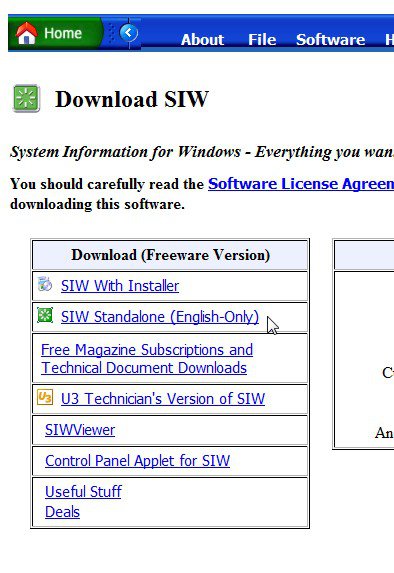
| VISTA HOME PREMIUM X64/ 7 x64 / 7x86 | Re: Utility? |
My System Specs![]() |
![]() |
| Thread Tools | |
| |
Similar Threads | ||||
| Thread | Forum | |||
| Run utility gone | General Discussion | |||
| No zip utility? | Vista General | |||
| Chkdsk utility and disk cleanup utility | Vista performance & maintenance | |||
| need to run utility to get on the internet | Vista networking & sharing | |||
| CRC utility | Vista General | |||