
Neverhavemoney
Vista Guru
Hey everyone,
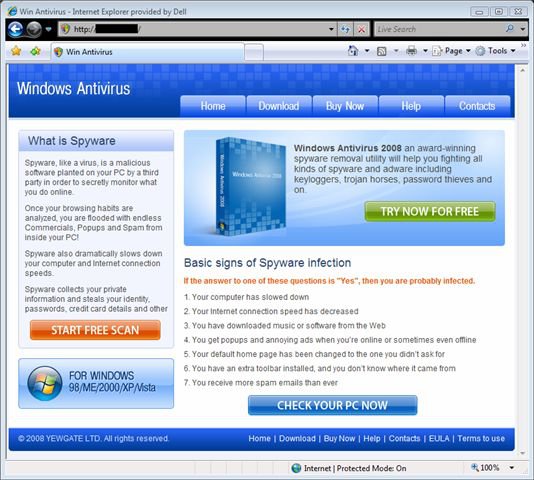
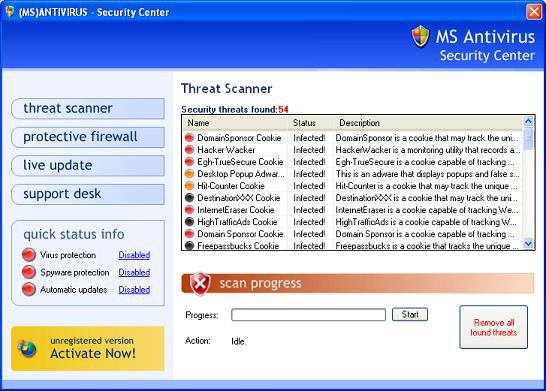
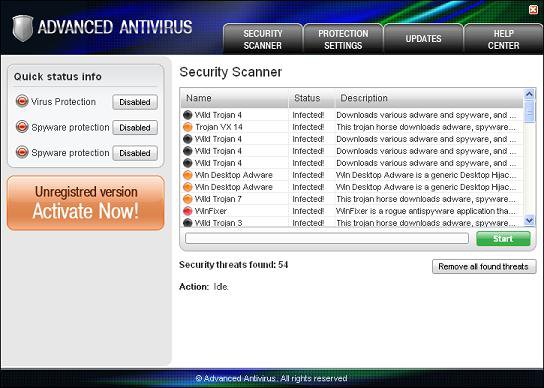
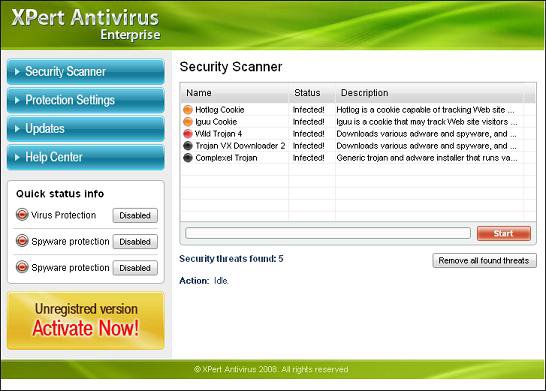
I know no one (unless you have gone to college for computer security) is an expert with security. That doesnt mean that other people dont know a lot about security. I am going to be starting a group of security people. We are not trying to have anyone be above anyone else or try to talk down to less computer educated people. We just want everyone to get the MAXIMUM PROTECTION HELP they can. We will be discussing the latest and best software, the highest risk threats out there, some of the best ways to protect yourself, and how to do a few things to your computer to help protect yourself. I will be making a list at the top of this post on who is offically in the Infection Resolving Team (sounds very korny and childish but it is true so...) so everyone can ask us questions. If you have a little problem, you can just post in the System Security Forum as a normal post. If it is urgent of you have a serious problem you can either send anyone of the approved members a private message or post a comment in the blog here. Again, our only purpose is to help everyone reach there maximum protection against all of the "non-friendly" computer people out there.
If you are interested in joining you can send me, Neverhavemoney, a message or post your request in this thread.
Remember, A good computer starts with Good protection!!
Thanks very much
Ben
I know no one (unless you have gone to college for computer security) is an expert with security. That doesnt mean that other people dont know a lot about security. I am going to be starting a group of security people. We are not trying to have anyone be above anyone else or try to talk down to less computer educated people. We just want everyone to get the MAXIMUM PROTECTION HELP they can. We will be discussing the latest and best software, the highest risk threats out there, some of the best ways to protect yourself, and how to do a few things to your computer to help protect yourself. I will be making a list at the top of this post on who is offically in the Infection Resolving Team (sounds very korny and childish but it is true so...) so everyone can ask us questions. If you have a little problem, you can just post in the System Security Forum as a normal post. If it is urgent of you have a serious problem you can either send anyone of the approved members a private message or post a comment in the blog here. Again, our only purpose is to help everyone reach there maximum protection against all of the "non-friendly" computer people out there.
If you are interested in joining you can send me, Neverhavemoney, a message or post your request in this thread.
Remember, A good computer starts with Good protection!!
Thanks very much
Ben
Last edited:
My Computer
System One
-
- Manufacturer/Model
- Dell
- CPU
- Intel(R) Celeron(R) CPU 420 @1.60 GHz
- Motherboard
- Dell Inspion 530 Default
- Memory
- PNY 4GB 240-Pin SDRAM DDR2 800 (PC2 6400) Dual Channel
- Graphics card(s)
- ATI Radeon HD 2400 PRO
- Sound Card
- Realtek HD Audio
- Monitor(s) Displays
- Gateway PnP Monitor
- Screen Resolution
- 1024x768 @ 75 Hz
- Hard Drives
- Seagate 250G ATA SATA-II
- Case
- Dell Inspiron 530
- Cooling
- None
- Mouse
- Logitech EX100 Combo
- Keyboard
- Logitech EX100 Combo
- Internet Speed
- 100 MB/s






 .
.


