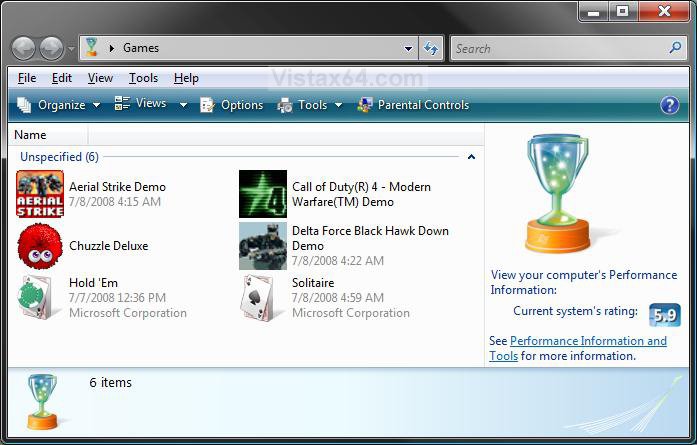
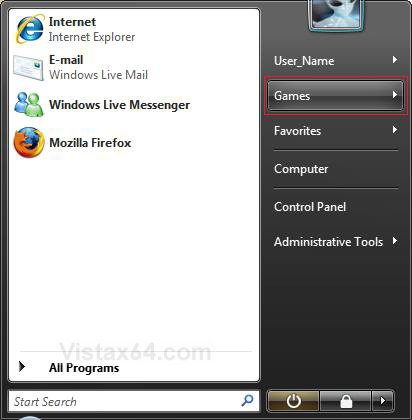
Problem: When you click on the Vista Game Explorer shortcut in the Start menu or on the desktop the Explorer window flickers and Explorer never starts.
Background: Game Explorer automatically adds games you install on you machine as a shortcut in the Explorer folder. It even goes to the effort of going to the program and extracting the icon for the new game to use as the icon for the shortcut. It’s all a handy trick that is very convenient for the user.
Plot Thickens: However, if you’ve added a non-Vista game (one written before Vista was released), and then un-install the game, the Vista Game Explorer appears to become corrupt. When the non-Vista ready game un-installs, Game Explorer doesn’t seem to know that it needs to remove the game from its list of shortcuts in the registry. This causes an error in Game Explorer where it follows the registry entry to the directory where the game is supposed to be and tries to build the shortcut for the folder. It doesn’t find anything and so the folder goes boom! All you see is a flicker.
Solution: You need to manually remove the game entry from the Vista Game Explorer registry entries. Vista Game Explorer registry entries exist under the path: KEY_LOCAL_MACHINE_\Software\Microsoft\Windows\CurrentVersion\GAMEUX\. So, you must do the following to fix the Game Explorer. It involves editing the Registry, an so if you are skittish about working around in the guts of the operating system then find your local computer geek to do the nasty work for you.
1) Go to the Start Button and click once on it.
2) In the Start Search text box at the bottom of the Start Menu type “Regedit” to open the registry editor.
3) Navigate to the Vista Game Explorer registry key: KEY_LOCAL_MACHINE_\Software\Microsoft\Windows\CurrentVersion\GAMEUX\
4) You see two sub-keys: “Games” and another that is a long number something like “S-1-5-21-1360280324-1479985282-280780731-1000”
Under the “Games” sub-key are more keys made up of long serial numbers which represent all of the games delivered with Vista: Solitaire, Chess, Ink Ball, Free Cell, Purple Place, etc. But the other key at the same level as “Games” represents games added automatically by Vista Game Explorer. It is the entries under this key that can cause problems when nothing exists in the folder where the registry key points. So, you must delete this entry.
5) Find the key that point to the game that no longer exists. Click on the key to identify it. Go to the menu and click on <Edit: Delete> or press the Delete key on the keyboard. Exit the Registry Editor by clicking on <File:Exit> or click on the big red “X” in the upper right-hand corner of the Regedit window. Now, Vista Game Explorer should work again.
Hope this helps!
Disclaimer: Working in the registry can break stuff including Vista itself. You should have some level of expertise to go mucking around with it. No children or small animals were hurt in the writing of this help guide, no poisonous or toxic gases were emitted, etc. You are your own keeper. Yadda, yadda, yadda.

 Information
 Tip
Tip