
How to Turn Taskbar Auto-hide On or Off in Vista
 Information
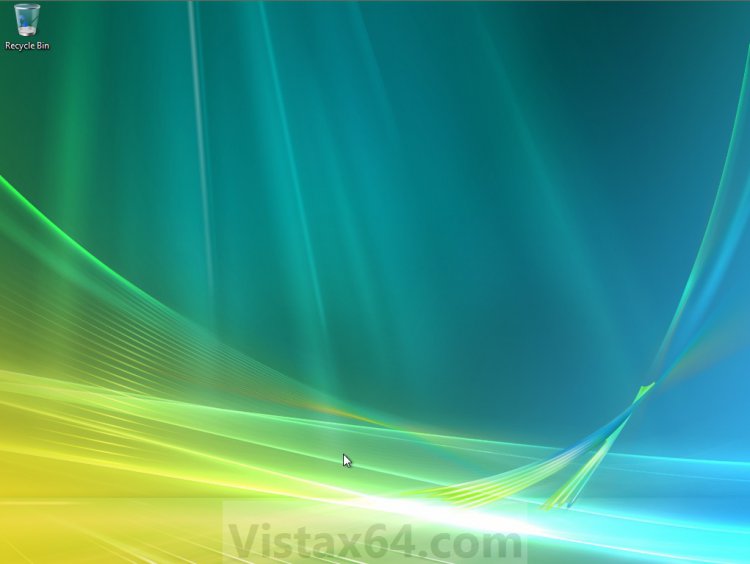
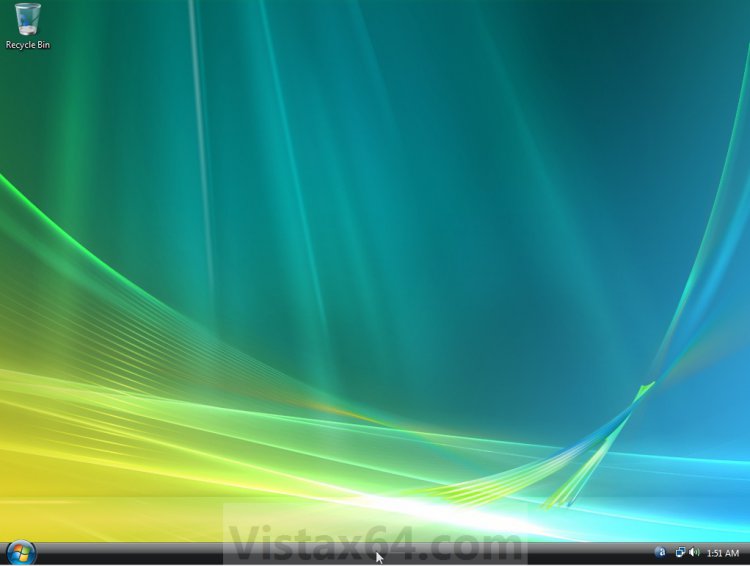
This will show you how to turn on or off having the taskbar auto-hide until you move the mouse pointer over the location of the hidden taskbar to temporarily unhide it. By default auto-hide it turned off for the taskbar.
NOTE: When turned on, the taskbar will be hidden until you move the mouse pointer over it. When turned off, the taskbar will be displayed and not hidden.
Here's How:
1. Right click on a empty area on the taskbar and click on Properties.
2. To Turn On Taskbar Auto-hide
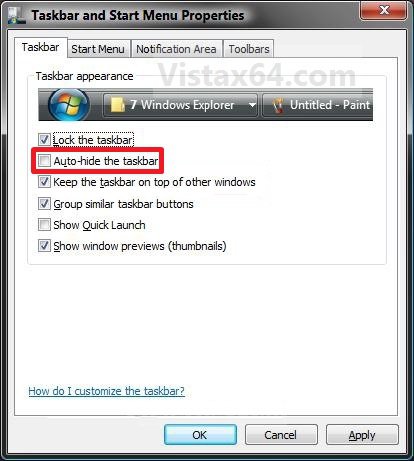
A) Check the Auto-hide the taskbar box. (See screenshot below step 4)
B) Go to step 4.
3. To Turn Off Taskbar Auto-hide
A) Uncheck the Auto-hide the taskbar box. (See screenshot below step 4)
4. Click on OK. (See screenshot below)
That's it,
Shawn
Related Tutorials
- How to Use Quick Launch in Vista
- How to Lock or Unlock the Taskbar in Vista
- How to Hide or Show a Notification Icon in Vista
- How to Show or Hide All Notification Area System Tray Icons in Vista
- How to Turn Open Window Thumbnail Previews On or Off for the Taskbar in Vista
- How to Enable or Disable the Taskbar Thumbnail Previews in Vista
- How to Turn Group Similar Taskbar Buttons On or Off in Vista
- How to See the Date and Time on the Taskbar in Vista
- How to Add or Remove a Toolbar on the Taskbar in Vista
- How to Enable or Disable the Vista Taskbar Context Menus
- How to Enable or Disable the Taskbar and Start Menu Properties Window in Vista
- How to Enable or Disable Lock the Taskbar in Vista
- How to Show or Hide Folder Full Path in the Vista Taskbar Buttons
- How to Enable or Disable Taskbar Always on Top in Vista
- How to Resize the Taskbar in Vista and Windows 7
- How to Enable or Disable Resizing the Taskbar in Vista and Windows 7
Attachments
Last edited: