
How to Add or Remove "DPI Scaling" from Desktop Context Menu in Vista
 Information
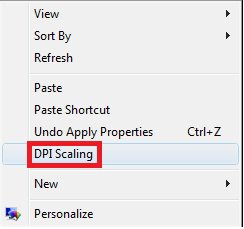
This will show you how to add DPI Scaling to the desktop context menu in Vista to make it easier to adjust font size.
By default in Vista, DPI Scaling is not added to the desktop context menu.
By default in Vista, DPI Scaling is not added to the desktop context menu.
EXAMPLE: DPI Scaling
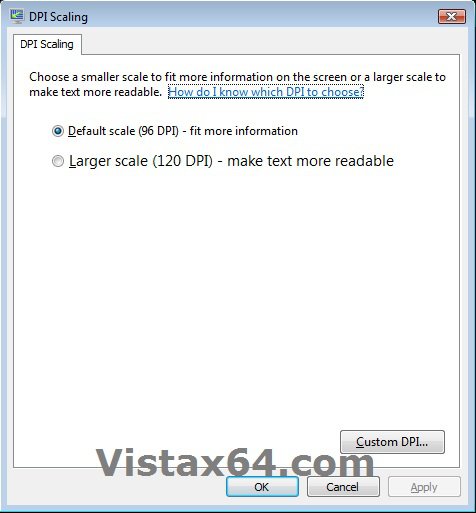
EXAMPLE: Desktop Context Menu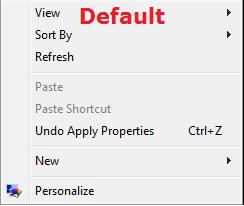
Here's How:
1. To Add "DPI Scaling" to Desktop Context Menu
A) Click on the Download button below to download the file below.
Add_DPI_Scaling_to_Desktop_Context_Menu.reg

B) Go to step 3.
2. To Remove Add "DPI Scaling" from Desktop Context Menu
A) Click on the Download button below to download the file below.
Remove_DPI_Scaling_to_Desktop_Context_Menu.reg
3. Click on Save, and save the .reg file to the desktop.
4. Right click the downloaded .reg file on the Desktop and click on Merge.
5. Click on Run, Yes, Yes, and OK when prompted.
6. When done, you can delete the downloaded .reg file if you like.
That's it,Shawn
Attachments
Last edited: