
How to Enable the Hidden Aurora Boot Screen in Vista
 Information
The boot screen is the screen that displays during the bootup (startup) of Vista before the logon screen (welcome screen) and the desktop. This will show you how to replace the default Vista boot screen with the hidden Aurora boot screen instead.
 Tip
TipIf you would like to change the boot screen to any .bmp, .jpg, .png, or .gif image of your choice instead, then see: How to Change the Default Boot Screen in Vista SP1
 Warning
If you wanted to run chkdsk at startup or the Memory Diagnostic Tool and you have changed the default boot screen, then you will need to temporarily change the boot screen back to the default boot screen to be able to see what is happening first to be able to see what is happening when they run at startup.
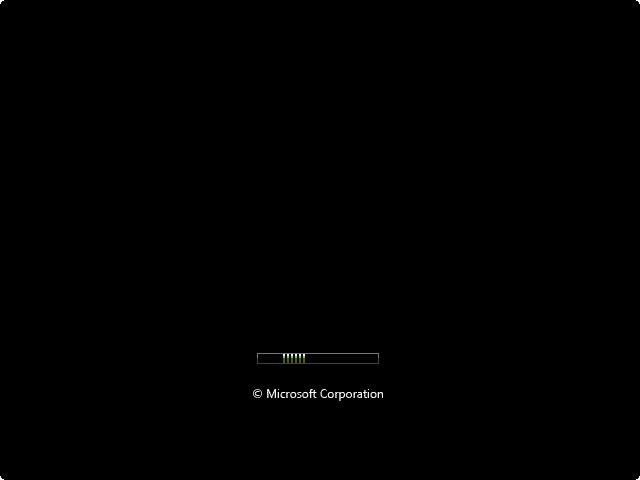
EXAMPLE: Default Vista boot screen
EXAMPLE: Aurora boot screen without SP1 and SP2 installed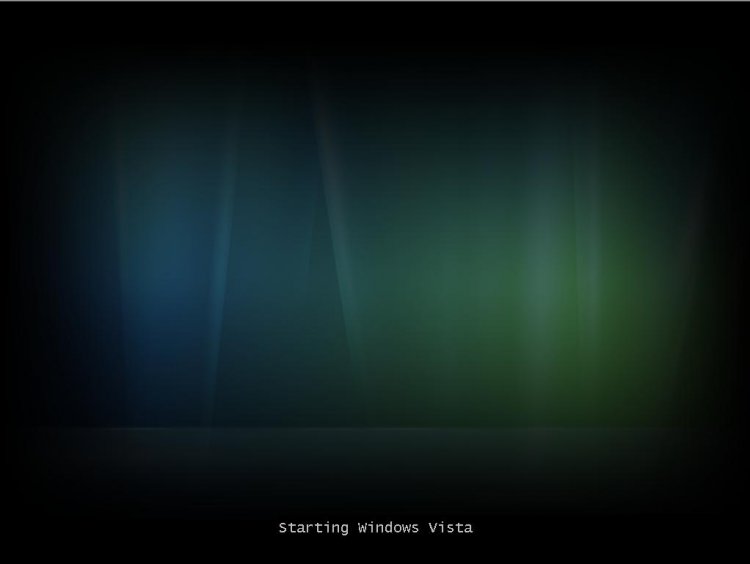
EXAMPLE: Aurora boot screen with SP1 installed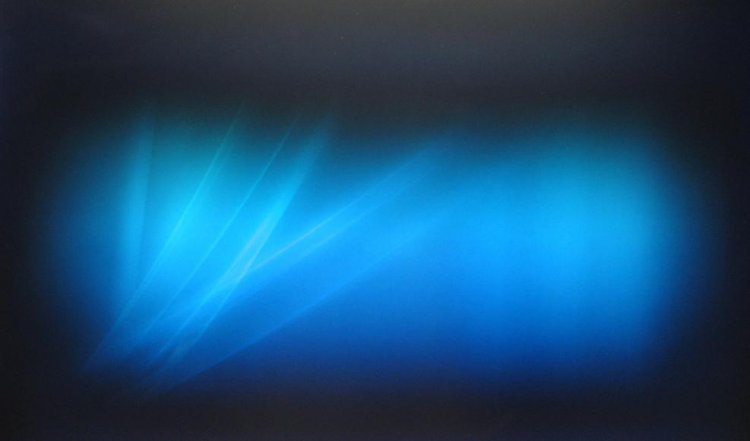
EXAMPLE: Aurora boot screen with SP2 installed
Here's How:
1. Open the Start Menu.
2. In the white line (Start Search) area, type msconfig and press Enter.
3. Click on Continue in the UAC prompt.
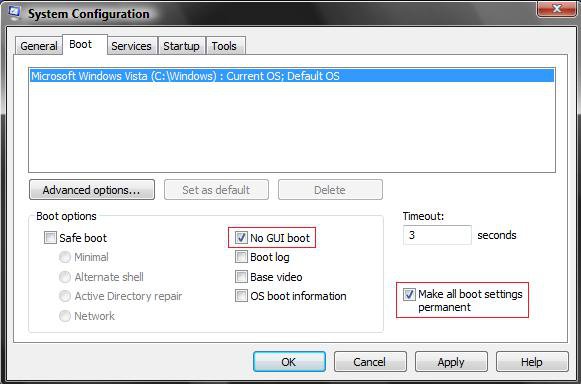
4. Click on the Boot tab. (See screenshot below step 8)
5. To Enable the Aurora Boot Screen
A) Check the No GUI boot box. (See screenshot below step 8)
B) Go to step 7.
6. To Go Back to the Default Boot Screen
A) Uncheck the No GUI boot box. (See screenshot below
step 8)
7. Check the Make all boot settings permanent box.
8. Click on OK.
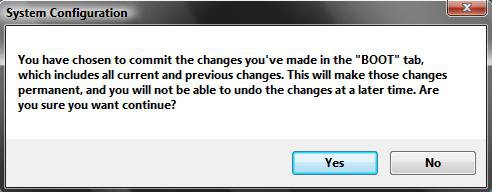
9. Click on Yes to the confirmation window. You will be able to change it again. (See screenshot below)
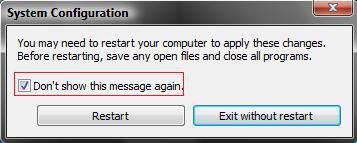
10. Click on the Restart button.
NOTE: If you checked the Don't show this message again box and want to restore this restart notice, then see: How to Restore the System Configuration Restart Prompt in Vista
11. You will now see the new hidden Aurora boot screen after the restart and during startup.
That's it,Shawn
Related Tutorials
- How to Enable or Disable "GUI Boot" in Windows
- How to Use and Change a Screen Saver in Vista
- How to Change the Logon Screen Saver Wait Time in Vista
- How to Change the Logon Screen in Vista
- How to Change the Desktop Background Wallpaper in Vista
- How to Install and Use DreamScene in Vista
- How to Enhance Windows Vista DreamScene with Stardock DeskScapes
- How to Enable or Disable the Log On Screen Saver in Vista
- How to Change the Default Boot Screen in Vista
- How to Customize the Vista Aurora Screen Saver Settings
- How To Change the Vista Startup Orb
Last edited by a moderator:


