![]() |
![]() | ![]() | ![]() | ![]() | ![]() | ![]() | ![]() |
| Welcome to Windows Vista Forums. Our forum is dedicated to helping you find solutions with any problems, errors or issues you are experiencing with Windows Vista. The Vista forum also covers news and updates and has an extensive Windows Vista tutorial section that covers a wide range of tips and tricks. |
| |||||||
![]() |
| |
| | #1 (permalink) |
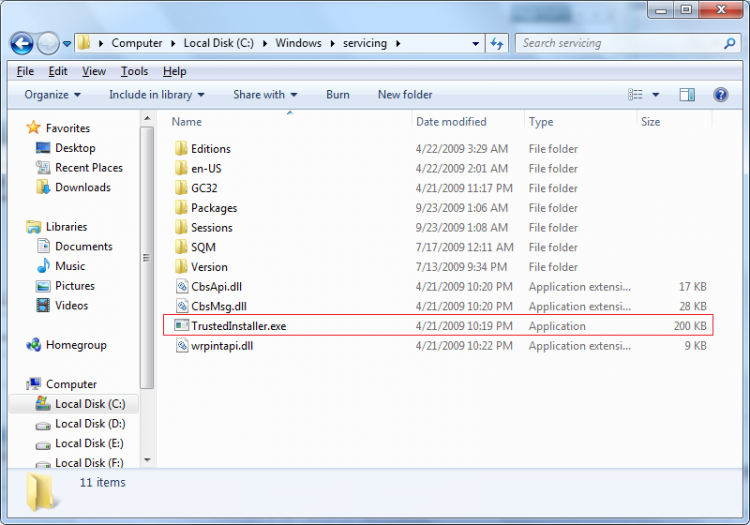
| Vista Home Premium x64 SP2 | Vista x64 error code 80070424 I am aware that some have been able to resolve this by following advice given here, but a week later of trying and I am still unable to resolve this issue. I have followed the advice given by Flavius in previous postings and have attached a system log. I have established that BITS is running OK. On checking services, I have established that Windows Modules Installer is missing, as is TrustedInstaller.exe. As I have Acronis backup running, I have been able to copy TrustedInstaller.exe from a back up to C:\Windows\servicing and there it sits. I did try a Vista repair, but this was not possible as my Vista DVD is SP1 and I am on SP2. I don't want to have to do a fresh install and don't really see why I should as the issue is as a result of a previous update issued by microsoft and surely they should send out a fix to resolve this. ![]() Any assistance would be greatly appreciated Last edited by roy69; 09-16-2009 at 02:38 AM.. Reason: solved |
My System Specs![]() |
| | #2 (permalink) |
| Vista Bussiness x64 PL | Re: Vista x64 error code 80070424 If you saw my posts about damaged TrustedInstaller you should know solution described the best here:http://www.vistax64.com/1093756-post16.html (You have to do exactly everything what is in the link) |
My System Specs![]() |
| | #3 (permalink) |
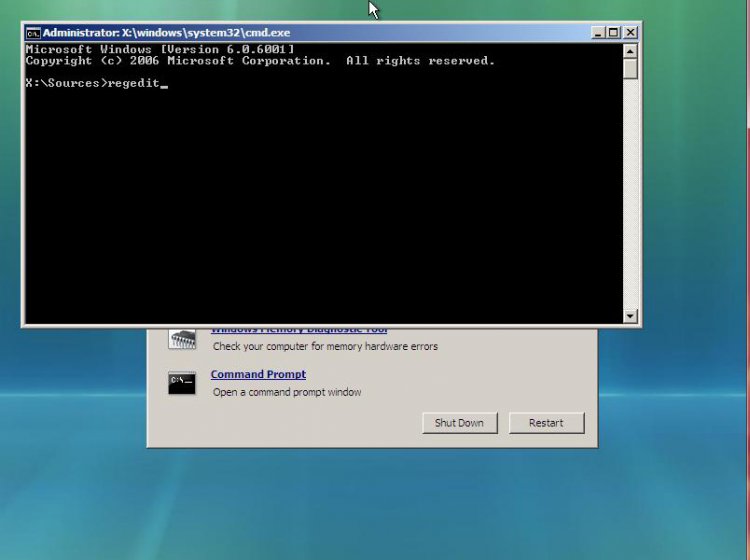
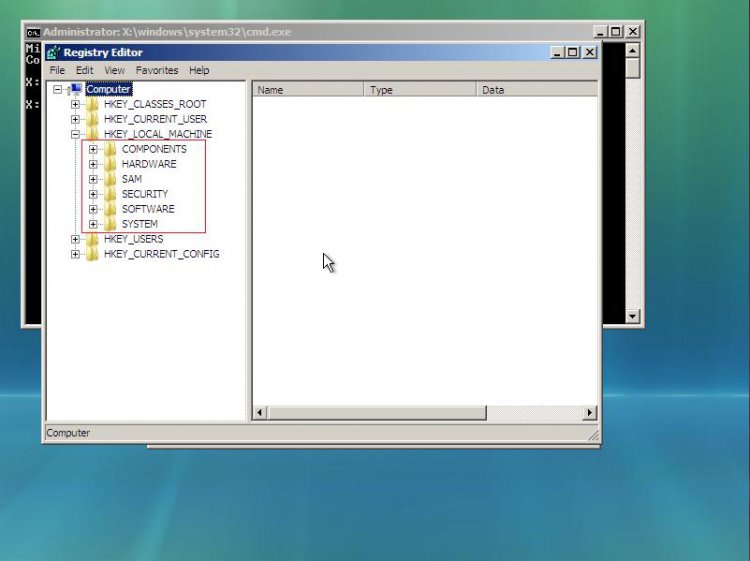
| Vista Home Premium x64 SP2 | Re: Vista x64 error code 80070424 Hi Flavius and thanks for replying. I have tried to follow your post and have got as far as this: Next run cmd.exe with administrative previlliges (right click on this file as administrator) and type psexec -s -i -d regedit.exe The cmd promt tells me the following: regedit.exe started on DAVESPC_PC with process ID 4920. The Registry Editor window opens with these folders; HKEY_CURRENT _ROOT HKEY_CURRENT_USER HKEY_LOCAL_MACHINE HKEY_USERS HKEY_CURRENT_CONFIG Its the final bit I do not understand? As it is a WinRAR file, where do I extract to? As I have already managed to retrieve a copy of TrustedInstaller and placed in C:\Windows\Servicing do I need to do this again? What exactly does the following mean? Next File>>import :choose below attached *.reg file + restart THE FIX *REG File ->http://www.vistax64.com/attachments/...dinstaller.zip Thanks again. |
My System Specs![]() |
| | #4 (permalink) |
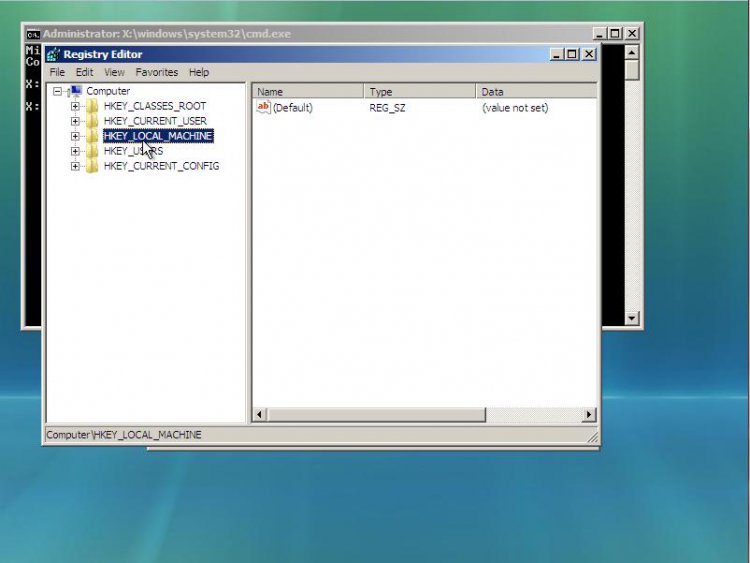
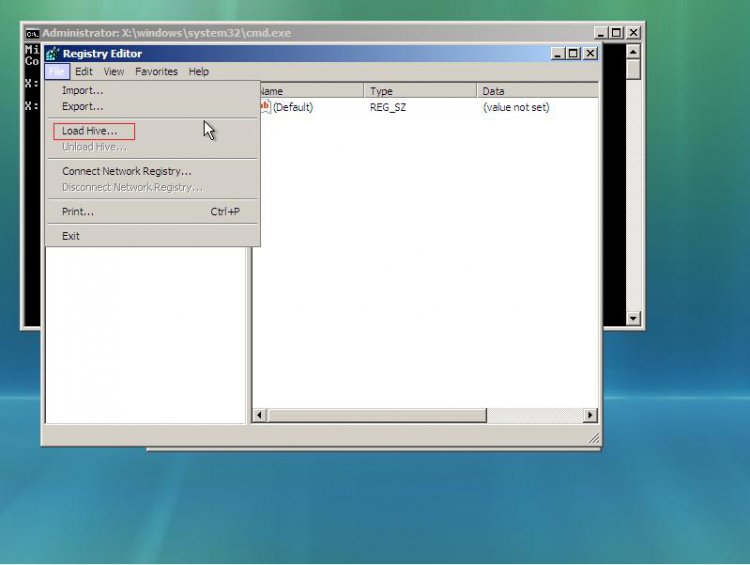
| Vista Bussiness x64 PL | Re: Vista x64 error code 80070424 Hi Flavius and thanks for replying. I have tried to follow your post and have got as far as this: Next run cmd.exe with administrative previlliges (right click on this file as administrator) and type psexec -s -i -d regedit.exe The cmd promt tells me the following: regedit.exe started on DAVESPC_PC with process ID 4920. The Registry Editor window opens with these folders; HKEY_CURRENT _ROOT HKEY_CURRENT_USER HKEY_LOCAL_MACHINE HKEY_USERS HKEY_CURRENT_CONFIG Its the final bit I do not understand? ![]() When you'll run regedit from System account,navigate to File>>Import:select location where you store my unpacked *.reg file,choose it and apply Quote: As I have already managed to retrieve a copy of TrustedInstaller and placed in C:\Windows\Servicing do I need to do this again? ![]() FYI 1.I prefer packing *.reg files before hosting otherwise *.reg file may corrupt due to undefined reasons and to avoid add alternate data stream to files (ADS) during download.I hate when I run any file from the web appear message "undentified publisher" and it request confirm operation.I know there is way to workaround this,but almost nobody have appriopate settings for it.Of course there is no obstacle to import *.reg with attached ADS but constantly warning messages are disturbing. 2.When you anytime will need make Repair Install and you have Vista DVD with lower version of SP than you have installed then you have to prepare DVD with intagrated the newest SP :Sliptream Vista SP2 The best way to do that on any virtual machine -I prefer VirtualBox which serve also x64 systems Last edited by Flavius; 09-14-2009 at 04:49 AM.. |
My System Specs![]() |
| | #5 (permalink) |
| Vista Home Premium x64 SP2 | Re: Vista x64 error code 80070424 Hi Flavius. Just wanted to say that I did as you instructed and updates are now working. Many thanks for your assistance. |
My System Specs![]() |
| | #6 (permalink) |
| Windows Vista Ultimate x64bit | Re: Vista x64 error code 80070424 So everything is clear now -you don't have Windows Module Installer service this means TrustedInstaller This is exactly solution for you:http://www.vistax64.com/1082478-post2.html You have to extract from Vista DVD file TrustedInstaller.exe - to do this the simplest way use 7-zip 7-Zip this means you have to extract this file from X:\Sources\Install.wim (X -your DVD drive) alternatively you can use WAIK Access Vista Install DVD Files your choose how to extract this file ![]() Next place this file to folder C:\Windows\Servicing Next import special fix to registry (attached below) but because only SYSTEM have access to these the better way to do that (without changing permissions) import this fix from SYSTEM account..Download PsTools and unpack psexec.exe file and place it in C:\Windows\System32 Next run cmd.exe with administrative previlliges (right click on this file as administrator) and type psexec -s -i -d regedit.exe Next File>>import :choose below attached *.reg file + restart THE FIX *REG File ->http://www.vistax64.com/attachments/...dinstaller.zip Thanks in advance for the help. I have followed the above instructions but when I type psexec -s -i -d regedit.exe in the command windows it say that "psexec" is not recognise as in internal or external command, operable program or batch file. I have probably missed some steps. As I am not an expert with this archibugio, can you please write the answer as if you were writing it to a 1 year old baby. Thanks! |
My System Specs![]() |
| | #7 (permalink) |
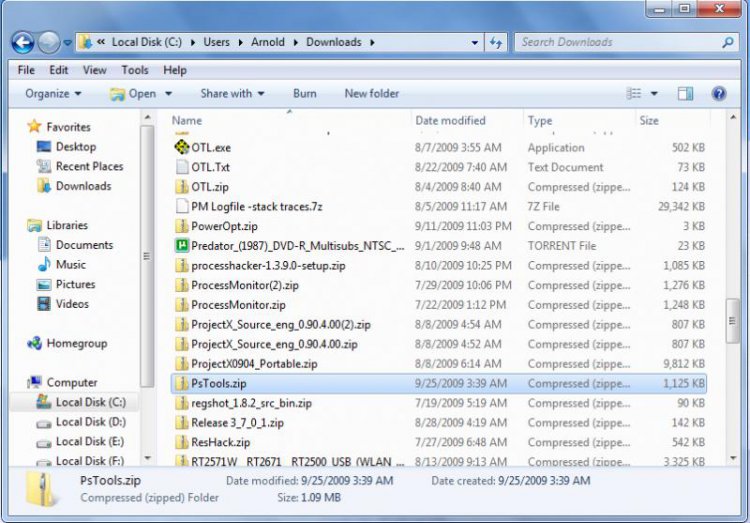
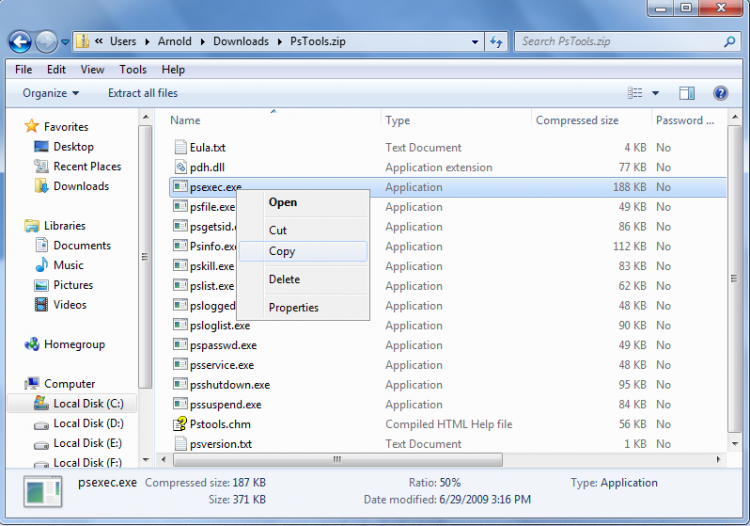
| Vista Bussiness x64 PL | Re: Vista x64 error code 80070424 Hi Flavius, Thanks in advance for the help. I have followed the above instructions but when I type psexec -s -i -d regedit.exe in the command windows it say that "psexec" is not recognise as in internal or external command, operable program or batch file. I have probably missed some steps. As I am not an expert with this archibugio, can you please write the answer as if you were writing it to a 1 year old baby. Thanks! unpack from this Psexec.exe file and place in C:\Windows\System32.When you will do command with psexec will work |
My System Specs![]() |
| | #8 (permalink) |
| Windows Vista Ultimate x64bit | Re: Vista x64 error code 80070424 Hi Flavius, Thanks in advance for the help. I have followed the above instructions but when I type psexec -s -i -d regedit.exe in the command windows it say that "psexec" is not recognise as in internal or external command, operable program or batch file. I have probably missed some steps. As I am not an expert with this archibugio, can you please write the answer as if you were writing it to a 1 year old baby. Thanks! unpack from this Psexec.exe file and place in C:\Windows\System32.When you will do command with psexec will work Hi Flavius, I did already unpack PsTools with .zip and placed in C:\Windows\System32. The file name is TrustedInstaller.exe (I also placed it in C:\Windows\Servicing). I checked if it was in the two folders for a second time and they are there. I have just tried to type in psexec -s -i -d regedit.exe in the command box but the same message comes out. The exact message is: 'psexec' is not recognise as an internal or external command, operable program or batch file. You are talking about this Psexec.exe file as if it was a file on its own but from the PsTools website it say that the PsTools Suit should have the psexec.exe included in it (this is written on the list). I also tried to unpack the file TrustedInstaller.exe (again) with no results and when I check its properties it says that is a registry file (.reg). Sorry for the mess and thank you for the help Flavius! Diegone |
My System Specs![]() |
| | #9 (permalink) |
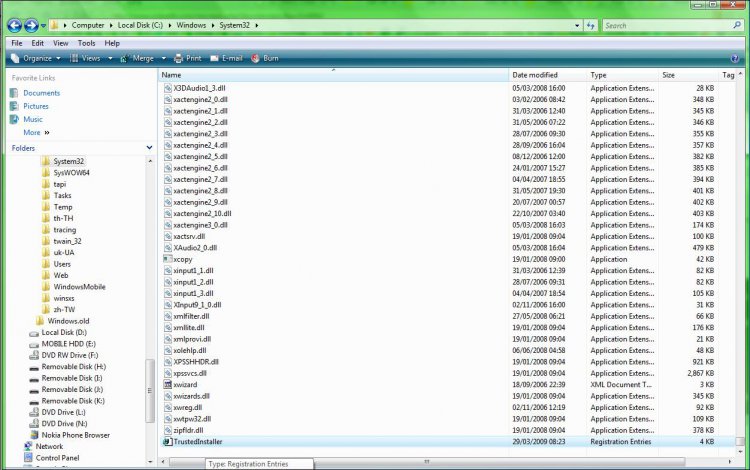
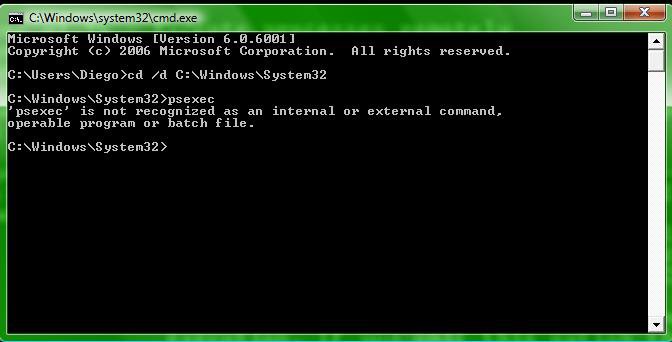
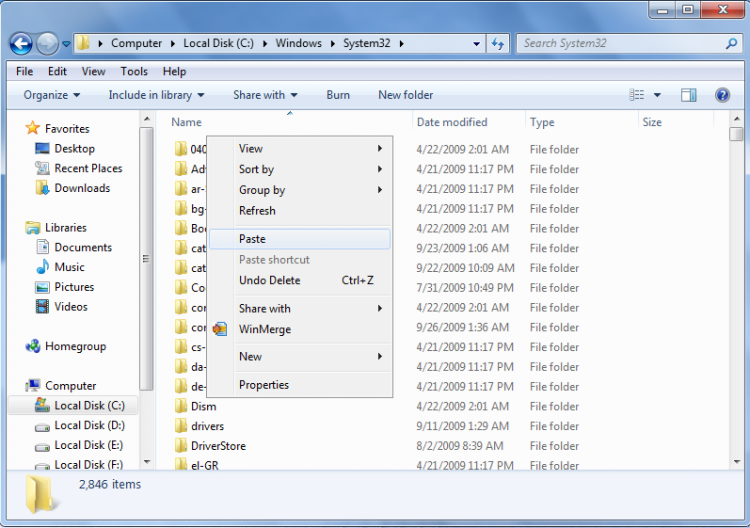
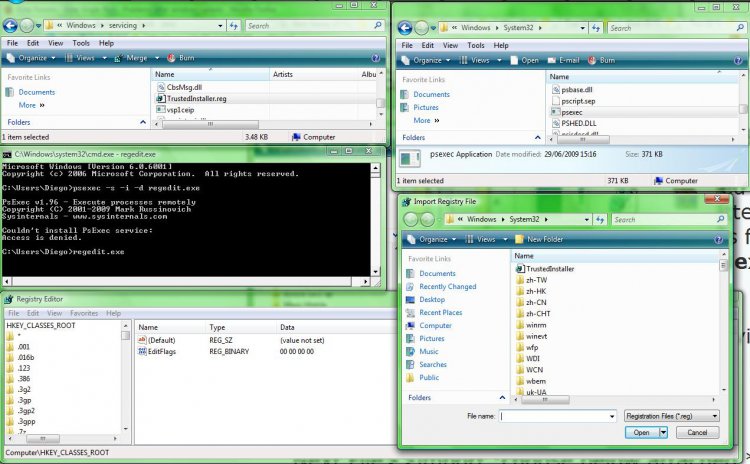
| Vista Bussiness x64 PL | Re: Vista x64 error code 80070424 Probably nobody know what you exactly did .We'll try small steps.1.Do you have psexec.exe in C:\Windows\System32? It should look this: ![]() 2.If answer on point 1 is "yes" run cmd.exe Start>>Search>>cmd.exe and type: cd /d C:\Windows\System32 <enter> and next psexec <enter> What then happen? See how it look for me: |
My System Specs![]() |
| | #10 (permalink) |
| Windows Vista Ultimate x64bit | Re: Vista x64 error code 80070424 Sorry dude, But the psexec is not in System32. I've got TrustedInstaller in System32 but not psexec. When I add TrustedInstaller a message pop out saying "The keys and values contained in C:\Windows\System32\TrustedInstaller.reg have been succesfully added to the registry." There is either a problem with the PsTool file (or the program to unpack it, even after using 7-zip) ![]() And when I try to the cmd.exe comand that you show above the same old message comes out: "'psexec' is not recognise as an internal or external command, operable program or batch file." The file is just not there, but I've not idea why, given that I have followed the unpacking procedures that you suggested... ![]() I have also attached a System Info.System Info Diegone.txt I've got the feeling that the problem must be a really silly one! Hopefully this will be clearer! Cheers! |
My System Specs![]() |
![]() |
| Thread Tools | |
| |
Similar Threads | ||||
| Thread | Forum | |||
| Vista Update Error 80070424 | Windows Updates | |||
| Vista 64 Update Error 80070424 Advanced | Windows Updates | |||
| Windows could not search for new updates - Code 80070424 | Windows Updates | |||
Windows Update Error Code: 80070424 | Windows Updates | |||
| Re: Windows Update Error Code: 80070424 | Vista installation & setup | |||