Hello all,
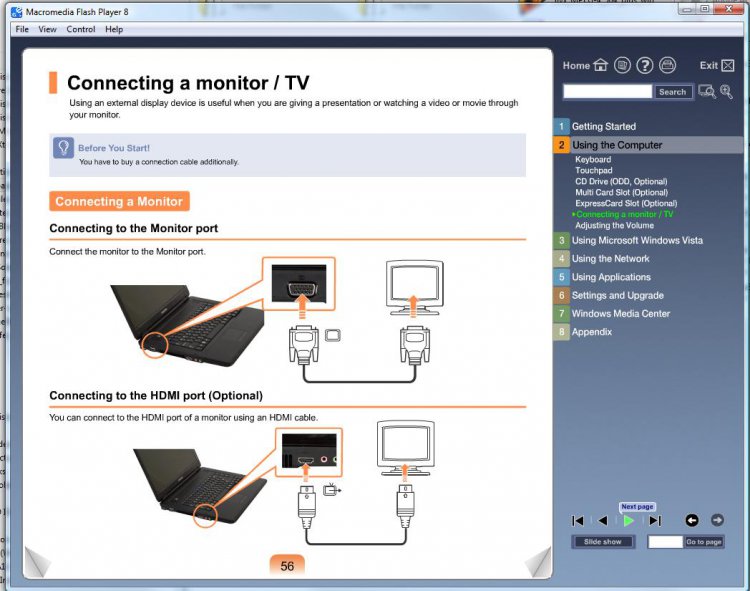
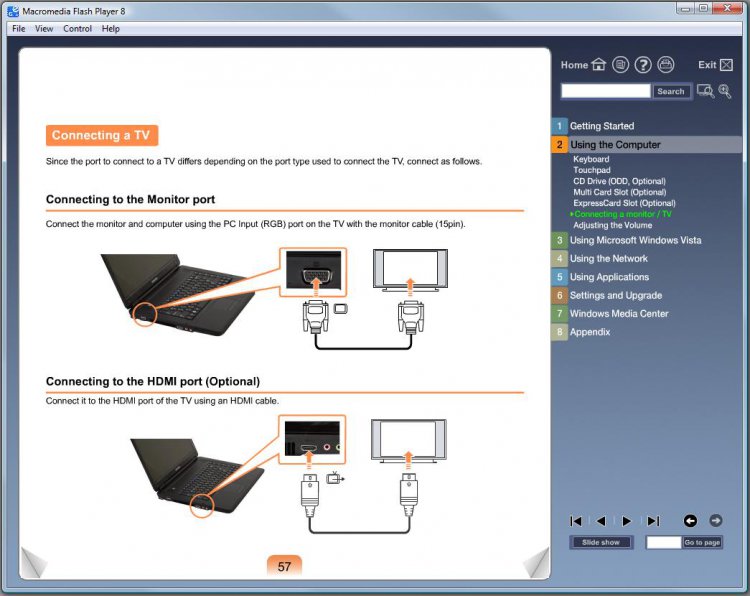
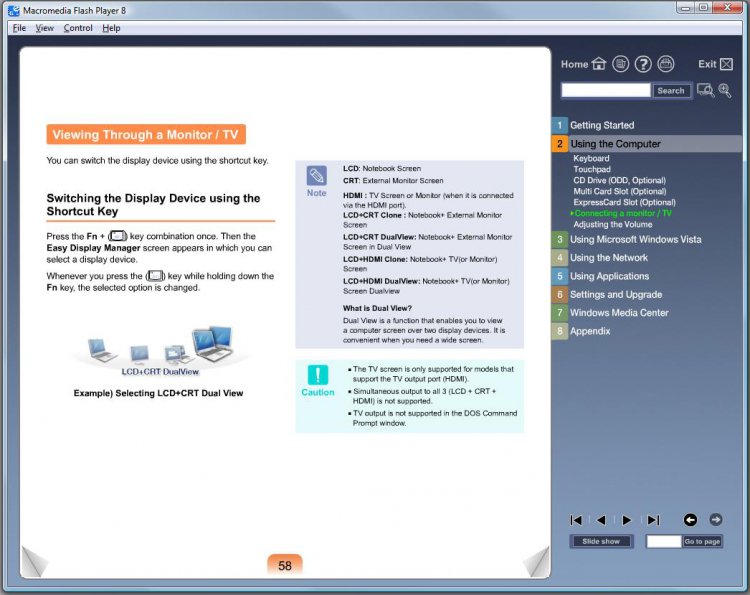
I'm new to the forum and hope someone can help, I have a Samsung laptop (details below) with a HDMI port and I recently purchased a 32" BUSH LCD TV and a Belkin HDMI cable. When I connect the Laptop to the TV via the HDMI cable nothing happens :/ . It works fine when I connect using a VGA cable but neither the laptop nor the TV show any sign of recognising the other when connected by HDMI cable.
Below I have listed the full spec of the laptop and TV, if anyone requires any more information I'd be happy to provide it.
Kind Regards
Liam
Laptop details:
Model No: Samsung NP-R510-FAA2UK
OS: Vista Home premium SP 2
Processor: Intel Core2 Duo T5750 @ 2.00GHz
Ram: 4GB
Graphics Card:
Chip Type: Mobile Intel(R) 4 series Express Chipset Family
Adapter String: Mobile Intel(R) GMA 4500 MHD
Driver Date: 11/02/2011
Driver Version: 8.15.10.2302
TV Details:
Type: Bush 32" LCD
Model #:BLCD32HB
I'm new to the forum and hope someone can help, I have a Samsung laptop (details below) with a HDMI port and I recently purchased a 32" BUSH LCD TV and a Belkin HDMI cable. When I connect the Laptop to the TV via the HDMI cable nothing happens :/ . It works fine when I connect using a VGA cable but neither the laptop nor the TV show any sign of recognising the other when connected by HDMI cable.
Below I have listed the full spec of the laptop and TV, if anyone requires any more information I'd be happy to provide it.
Kind Regards
Liam
Laptop details:
Model No: Samsung NP-R510-FAA2UK
OS: Vista Home premium SP 2
Processor: Intel Core2 Duo T5750 @ 2.00GHz
Ram: 4GB
Graphics Card:
Chip Type: Mobile Intel(R) 4 series Express Chipset Family
Adapter String: Mobile Intel(R) GMA 4500 MHD
Driver Date: 11/02/2011
Driver Version: 8.15.10.2302
TV Details:
Type: Bush 32" LCD
Model #:BLCD32HB