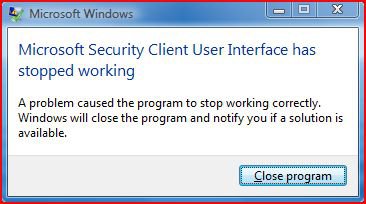
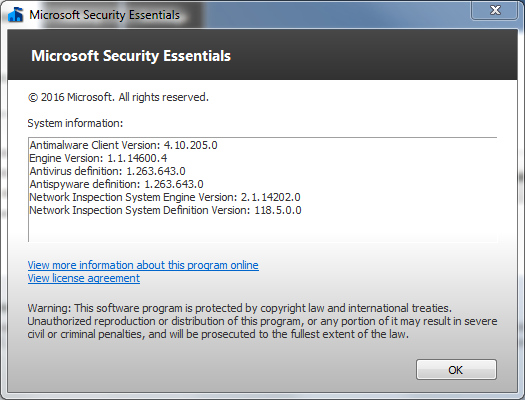
I also found this...
1. Run Task Manager (Ctrl-Shift-Esc)
2. Go to Processes tab
3. End msseces.exe process
4. Start Registry Editor (Start -> Run -> regedit.exe)
5. Open HKEY_LOCAL_MACHINE\SOFTWARE\Microsoft\Microsoft Antimalware hive
6. Right click on it and modify permissions to have Full Control right
7. Change EndOfLife value from 2 to 0
8. Change back permissions
9. Start Microsoft Essentials
I found that registry key and also changed it and then rebooted. I got that nag immediately upon logging in so I removed MSE. Funny thing is I don't think that I even had the latest version since WU isn't working for me. It must have updated in the background. Thank you M$ for once again finding a way to nag us into updating to 10.
 I suppose that we can expect the same when 7 reaches EOL. Now I could understand one alert but to do so every time I reboot? Unacceptable.
My Computer
System One
-
- Operating System
- Windows 7 Pro & 10 Pro
- Manufacturer/Model
- HP Pavillion Elite HPE-250f
- CPU
- Intel i7 860 Quad core 2.8 ghz
- Memory
- 8 gb
- Graphics card(s)
- ATI Radeon HD 5770 1 gb ram
- Monitor(s) Displays
- Alienware 25 AW2521HF
- Screen Resolution
- 1920x1080 &1680x1050
- Hard Drives
- 1 TB & 500 GB
- Other Info
- https://www.cnet.com/products/hp-pavilion-elite-hpe-250f/