

Narakputra,
Your problem is NOT Vista, it is your BIOS motherboard software. You need to repair it, though following the guide posted above would be the best solution.
inc2000, I simply searched Google for Animated Avatars, and it was like the first site.
~Lordbob
Your problem is NOT Vista, it is your BIOS motherboard software. You need to repair it, though following the guide posted above would be the best solution.
inc2000, I simply searched Google for Animated Avatars, and it was like the first site.
~Lordbob
My Computer
System One
-
- Manufacturer/Model
- Custom
- CPU
- Intel Core 2 Quad Q8200 2.33GHz
- Motherboard
- ASUS P5QC
- Memory
- 2x2GB
- Graphics card(s)
- NVidia GeForce 9500GT 1Gb
- Sound Card
- Mobo
- Monitor(s) Displays
- Samsung SyncMaster 206bw
- Screen Resolution
- 1680x1050
- Hard Drives
- Samsung SP2514N ATA 250Gb 7200RPM Samsung [Model] 1Tb 7200RPM SATA2
- PSU
- Cooler Master Real Power Pro 750W
- Mouse
- Razer Lachesis
- Keyboard
- Razer Tarantula
- Internet Speed
- not fast enough
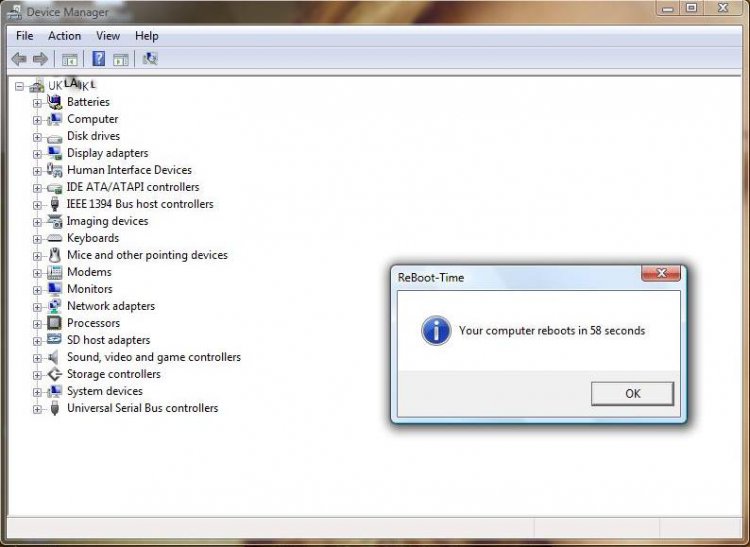
 ) (OR) In the boot sequence page, arrange your HDD boot above your DVD rom boot and place the DVD rom at the last of the sequence. And when you have done that, put the DVD rom back into it's place and boot. Then go into the device manager and check if it's there. Then Disable it :D